Eén klik. De juiste printer, elke keer.
Uw winkel heeft een A4-printer voor facturen, een labelprinter voor prijskaartjes en een bonprinter aan de kassa. De Printer Controller van Gem Logic maakt alle drie beschikbaar voor elk apparaat, zonder drivers en zonder kabels. Tik op afdrukken en het juiste document komt uit de juiste printer.
Vier zaken die een kassa vertragen.
Drivers, kabels, de ene computer waarop u kunt printen, de wandeling om die te vinden. De Printer Controller neemt alle vier over, zodat printen geen taak meer is maar één klik wordt.
De controller communiceert met elke printer. Uw apparaten sturen de taak gewoon naar Gem Logic en niets anders.
Een tablet of telefoon met een browser is een printstation. Dat is belangrijk wanneer uw toonbank op iPads draait.
Gem Logic weet dat facturen naar de A4-printer gaan, labels naar de labelprinter en bonnen naar de toonbank. U hoeft alleen maar te klikken.
Elk documenttype, één scherm, met printertoewijzingen die eenmaal zijn ingesteld. Niets te herconfigureren wanneer een nieuwe printer arriveert.
Wanneer u met Gem Logic begint, verbindt en configureert ons team uw printers met het exacte papier en de labels die u gebruikt. Als er later iets verandert, zorgt de support ervoor dat het snel weer werkt.
De oude manier kost meer dan de printers zelf
De meeste winkels printen vanaf één computer om één reden: het was de enige die werkte. Dit is wat die gewoonte kost.
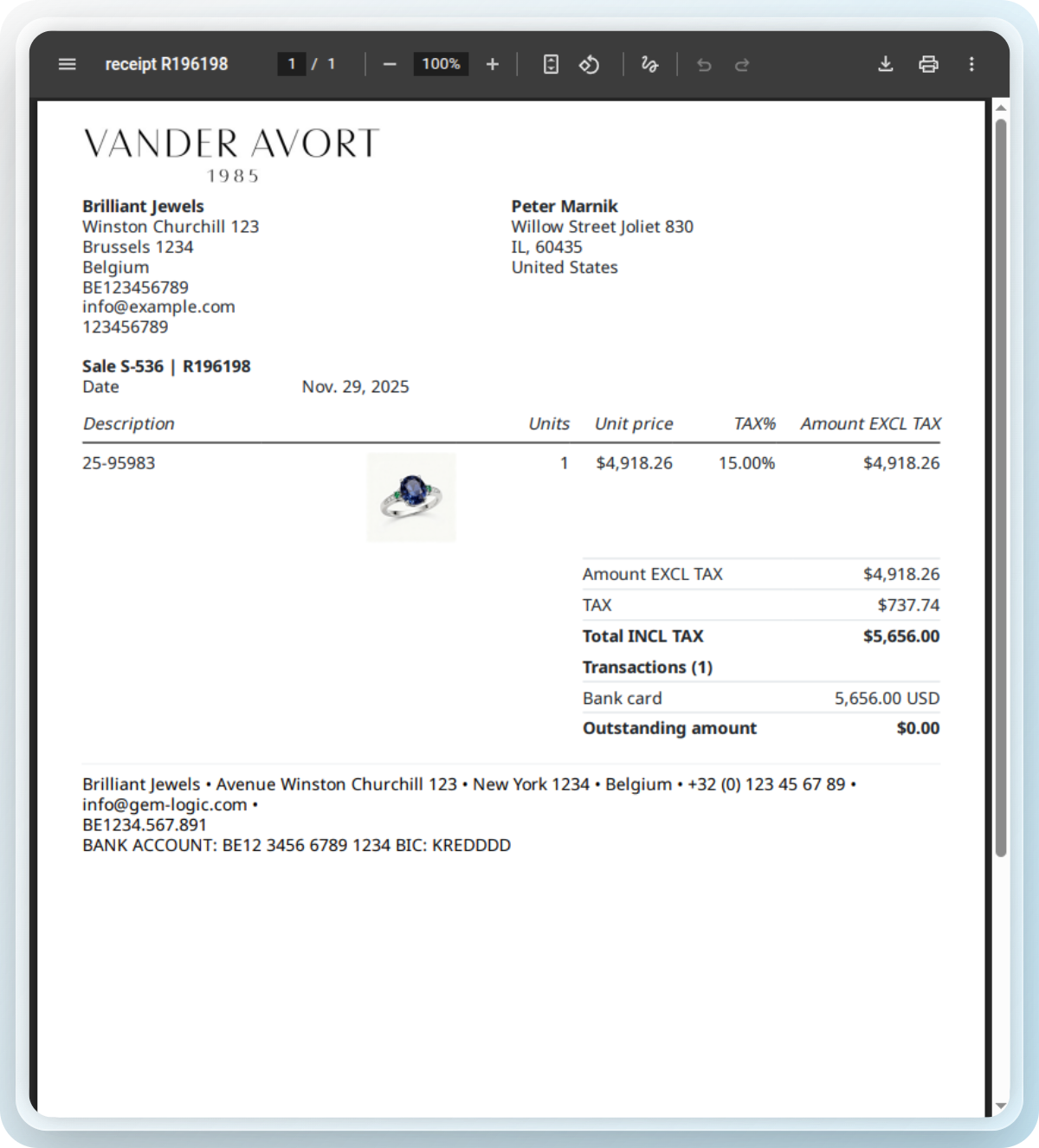
Elk document dat de winkel afdrukt, op één plek
Gem Logic genereert de documenten en stuurt elk document naar de juiste printer. Alles is ontworpen voor juweliers en drukt in één keer netjes af.
Liever uw Zebra-label handmatig verfijnen? Onze gratis ZPL label designer en validator toont een voorbeeld en controleert uw code direct.
Printers die wij testen, zodat u dat niet hoeft te doen
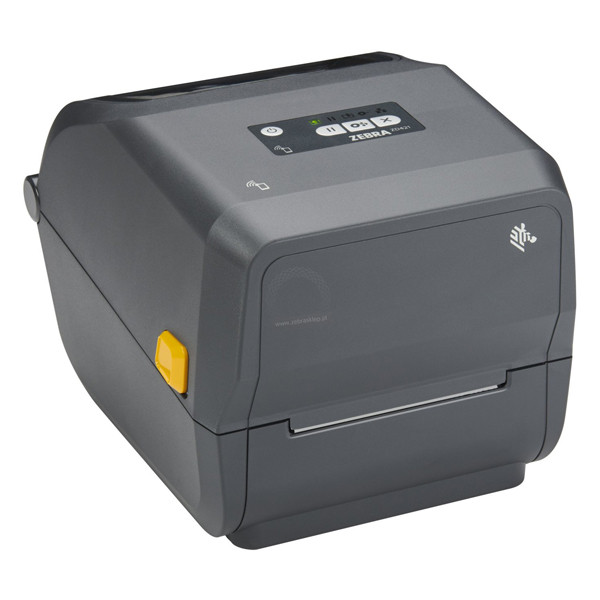
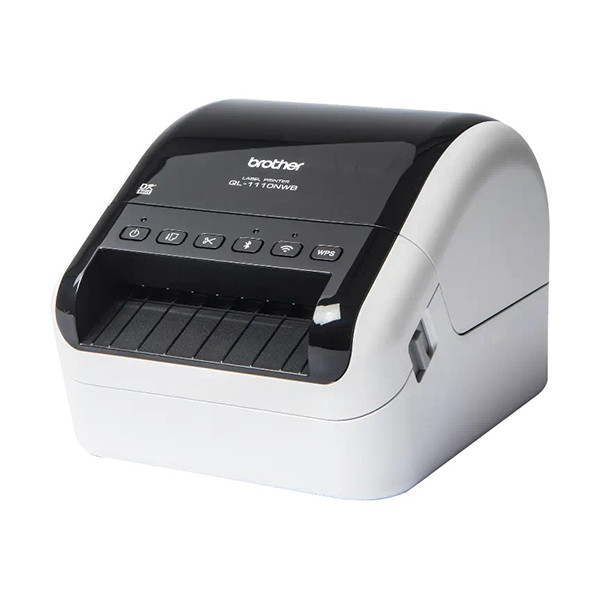
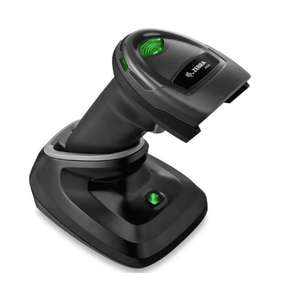
Wij verkopen en ondersteunen de printers, scanners en labels die met Gem Logic werken, allemaal getest in echte winkels en verkrijgbaar met leveranciersreferenties.
Eén afdrukopdracht, elke module
Slim printen werkt overal waar een document wordt gemaakt. Eén controller beheerst ze allemaal.
Printen raakt elke hoek van de winkel.
Vragen die juweliers ons stellen
A4-, label- en kassabonprinters van de grote merken, waarbij Zebra onze meest aanbevolen lijn is. Bekijk de hardwarecatalogus voor de printers en labelvoorraad die wij verkopen en testen.
Ja. Elk apparaat met een browser wordt een printstation via de Printer Controller. Tik op printen en het document gaat naar de juiste printer.
Nee. De controller verzorgt alle communicatie met de printer. Uw apparaten praten nooit rechtstreeks met de printer, dus er is niets om op te installeren of bij te werken.
Facturen, offertes, productetiketten, reparatietickets, leveringsformulieren en creditnota's. Voor specifiek sieradenetiketten zie de pagina labelprinten.
Het juiste document, uit de juiste printer, in één keer.
Boek een demo en wij tonen u de printopstelling voor uw winkel, van de controller tot de labelvoorraad. Of start een gratis proefperiode en print vandaag nog een testfactuur.