Un clic. La bonne imprimante, à chaque fois.
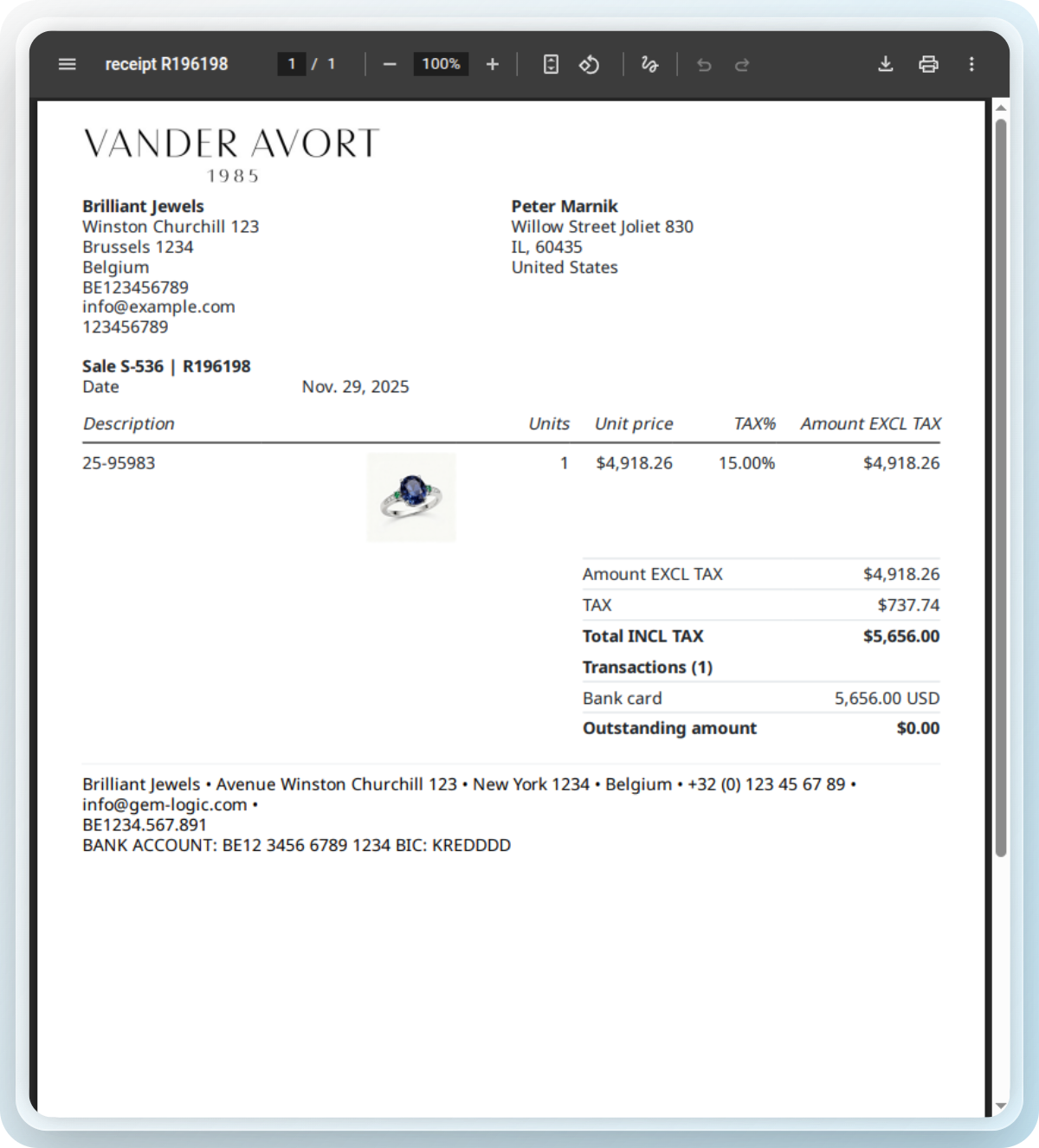
Votre boutique dispose d'une imprimante A4 pour les factures, d'une imprimante d'étiquettes pour les étiquettes et d'une imprimante de tickets au comptoir. Le Contrôleur d'Impression de Gem Logic met les trois à disposition de tous vos appareils, sans pilotes et sans câbles. Vous appuyez sur imprimer et le bon document sort de la bonne imprimante.
Quatre choses qui ralentissent un comptoir.
Pilotes, câbles, le seul ordinateur qui peut imprimer, le trajet pour aller le trouver. Le Contrôleur d'Impression supprime ces quatre obstacles, de sorte que l'impression cesse d'être une tâche et devient un simple clic.
Le contrôleur pilote toutes vos imprimantes. Vos appareils envoient simplement le travail à Gem Logic, et rien d'autre.
Une tablette ou un téléphone avec un navigateur devient un poste d'impression. Cela compte quand votre comptoir fonctionne sur iPad.
Gem Logic sait que les factures vont vers l'imprimante A4, les étiquettes vers l'imprimante d'étiquettes et les reçus vers le comptoir. Vous cliquez, c'est tout.
Tous les types de documents, un seul écran, avec les affectations configurées une fois. Rien à reconfigurer quand une nouvelle imprimante arrive.
Quand vous commencez avec Gem Logic, notre équipe connecte et configure vos imprimantes avec le papier et les étiquettes exacts que vous utilisez. Si quelque chose change plus tard, le support remet tout en marche rapidement.
L'ancienne méthode coûte plus cher que les imprimantes
La plupart des magasins impriment depuis un seul ordinateur pour une seule raison : c'était le seul où ça marchait. Voici ce que coûte cette habitude.
Tous les documents du magasin, en un seul endroit
Gem Logic génère les documents et envoie chacun vers la bonne imprimante. Tout est conçu pour la bijouterie et s'imprime proprement du premier coup.
Vous préférez ajuster une étiquette Zebra à la main ? Notre concepteur et validateur d'étiquettes ZPL gratuit prévisualise et vérifie votre code instantanément.
Les imprimantes que nous testons, pour que vous n'ayez pas à le faire
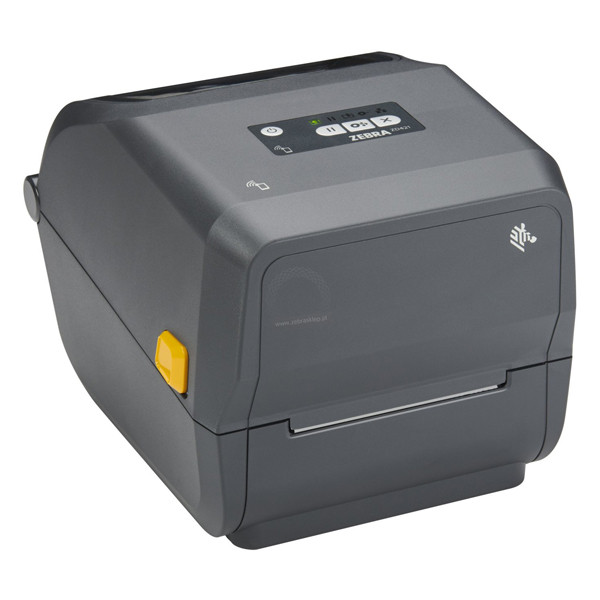
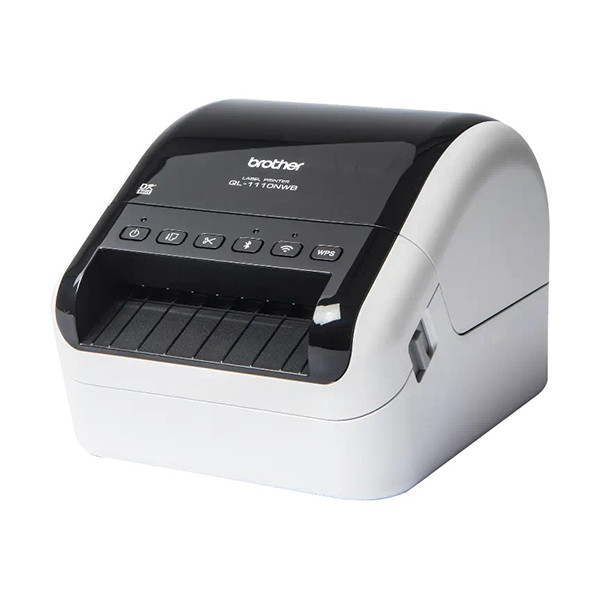
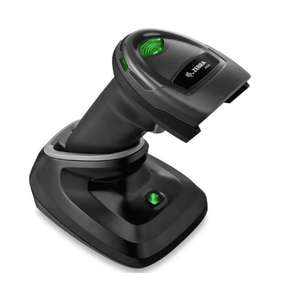
Nous vendons et supportons les imprimantes, scanners et étiquettes compatibles avec Gem Logic, tous testés dans de vrais magasins et disponibles avec références fournisseur.
Une impression, tous les modules
L'impression intelligente fonctionne partout où un document est créé. Le même contrôleur les gère tous.
L'impression touche tous les coins de la bijouterie.
Questions que les bijoutiers nous posent
Imprimantes A4, d'étiquettes et de tickets des grandes marques, Zebra étant notre gamme la plus recommandée. Parcourez le catalogue matériel pour découvrir les imprimantes et le stock d'étiquettes que nous vendons et testons.
Oui. Tout appareil doté d'un navigateur devient une station d'impression grâce au contrôleur d'imprimante. Appuyez sur imprimer et le document part vers la bonne imprimante.
Non. Le contrôleur gère toute la communication avec l'imprimante. Vos appareils ne communiquent jamais directement avec l'imprimante, il n'y a donc rien à installer ou mettre à jour sur eux.
Factures, devis, étiquettes produits, bons de réparation, bons de livraison et avoirs. Pour les étiquettes de bijoux spécifiquement, consultez la page impression d'étiquettes.
Le bon document, sur la bonne imprimante, du premier coup.
Réservez une démo et nous vous montrerons la configuration d'impression pour votre magasin, du contrôleur au stock d'étiquettes. Ou lancez un essai gratuit et imprimez une facture de test dès aujourd'hui.