Un clic. La impresora correcta, siempre.
Su tienda tiene una impresora A4 para facturas, una impresora de etiquetas para etiquetas y una impresora de tickets en el mostrador. El Controlador de Impresoras de Gem Logic pone las tres a disposición de todos los dispositivos, sin drivers y sin cables. Pulse imprimir y el documento correcto sale de la impresora correcta.
Cuatro cosas que ralentizan un mostrador.
Drivers, cables, el único ordenador que puede imprimir, la caminata para encontrarlo. El Controlador de Impresoras elimina las cuatro, de modo que imprimir deja de ser una tarea y se convierte en un clic.
El controlador se comunica con cada impresora. Sus dispositivos solo envían el trabajo a Gem Logic y nada más.
Una tableta o teléfono con navegador es una estación de impresión. Esto importa cuando su mostrador funciona con iPads.
Gem Logic sabe que las facturas van a la impresora A4, las etiquetas a la impresora de etiquetas y los recibos al mostrador. Usted solo hace clic.
Cada tipo de documento, una pantalla, con asignaciones de impresora configuradas una vez. Nada que reconfigurar cuando llega una nueva impresora.
Cuando empieza con Gem Logic, nuestro equipo conecta y configura sus impresoras con el papel y las etiquetas exactos que usted utiliza. Si algo cambia más adelante, el soporte lo pone en marcha de nuevo rápidamente.
El método antiguo cuesta más que las impresoras
La mayoría de las tiendas imprimen desde un solo ordenador por una razón: era el único que funcionaba. Esto es lo que cuesta ese hábito.
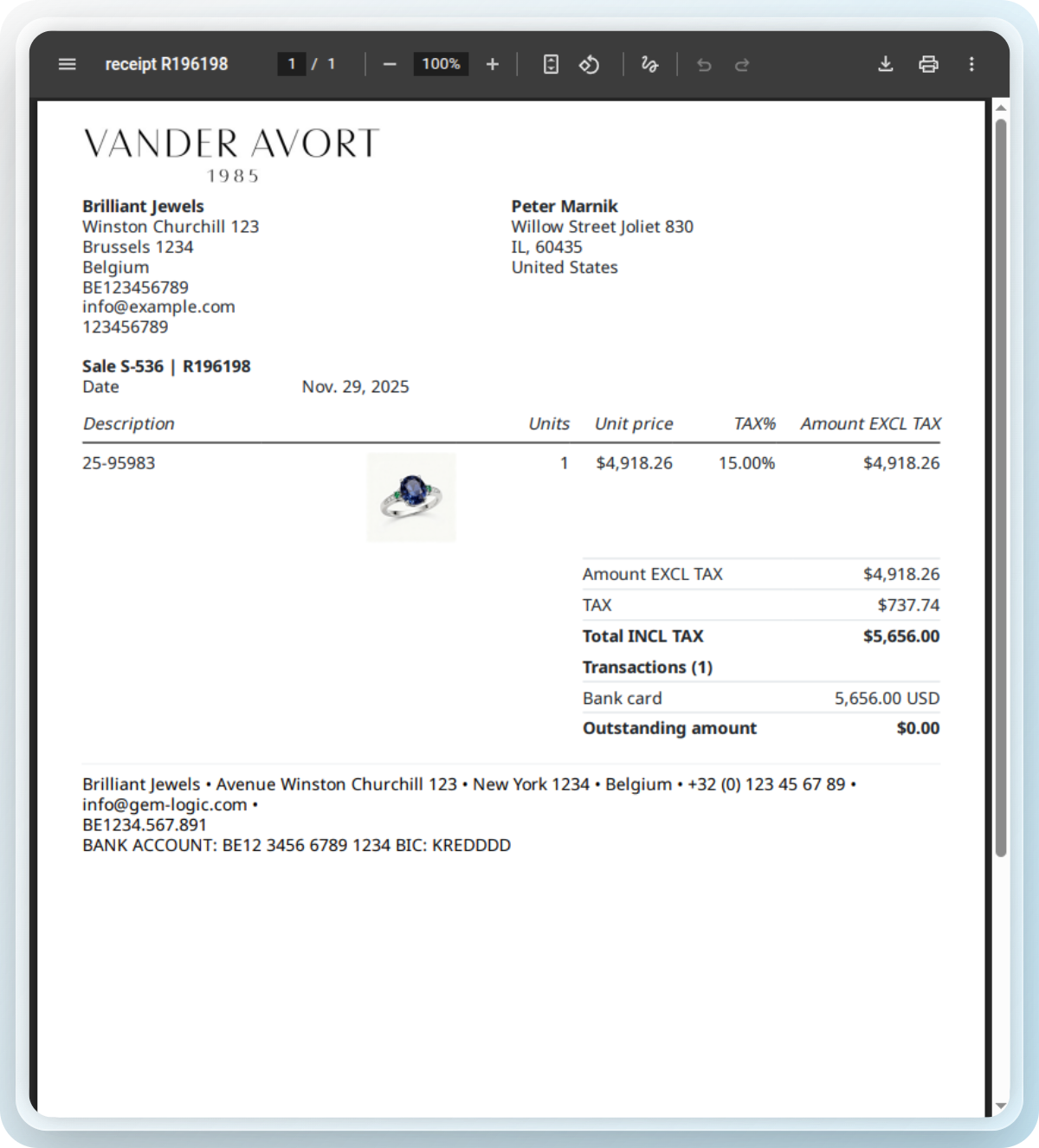
Todos los documentos que imprime la tienda, en un solo lugar
Gem Logic genera los documentos y dirige cada uno a la impresora correcta. Todo está diseñado para joyería e imprime correctamente a la primera.
¿Prefiere ajustar una etiqueta Zebra manualmente? Nuestro diseñador y validador de etiquetas ZPL gratuito previsualiza y verifica su código al instante.
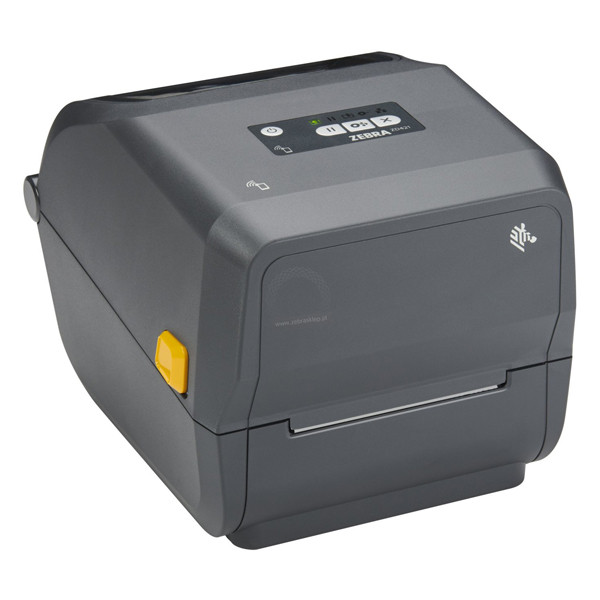
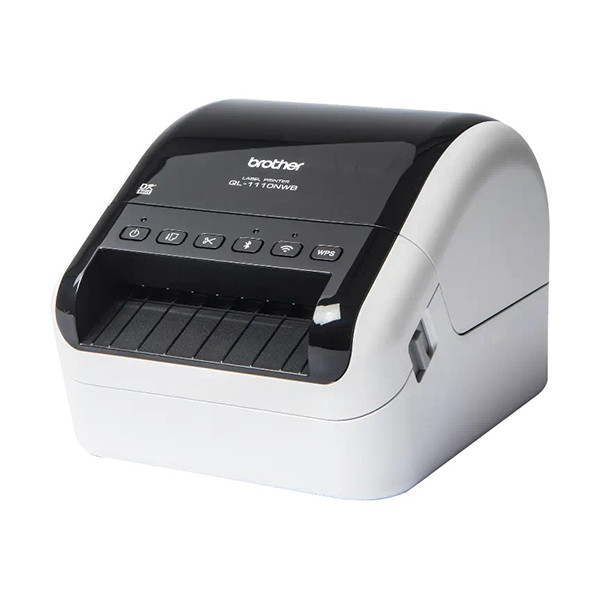
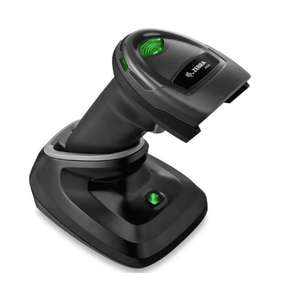
Impresoras que probamos, para que usted no tenga que hacerlo
Vendemos y damos soporte a las impresoras, escáneres y etiquetas que funcionan con Gem Logic, todas probadas en tiendas reales y disponibles con referencias de proveedores.
Un trabajo de impresión, todos los módulos
La impresión inteligente funciona donde se crea un documento. El mismo controlador gestiona todos.
La impresión toca cada rincón de la tienda.
Preguntas que nos hacen los joyeros
Impresoras A4, de etiquetas y de recibos de las principales marcas, siendo Zebra nuestra línea más recomendada. Explore el catálogo de hardware para ver las impresoras y material de etiquetas que vendemos y probamos.
Sí. Cualquier dispositivo con navegador se convierte en estación de impresión mediante el Controlador de Impresoras. Toque imprimir y el documento va a la impresora correcta.
No. El controlador gestiona toda la comunicación con la impresora. Sus dispositivos nunca hablan directamente con la impresora, así que no hay nada que instalar o actualizar en ellos.
Facturas, presupuestos, etiquetas de producto, órdenes de reparación, formularios de entrega y notas de crédito. Para etiquetas de joyería específicamente, vea la página de impresión de etiquetas.
El documento correcto, desde la impresora correcta, a la primera.
Reserve una demostración y le mostraremos la configuración de impresión para su tienda, desde el controlador hasta el material de etiquetas. O comience una prueba gratuita e imprima una factura de prueba hoy.