Toda la venta en una pantalla.
Escanee la pieza, asigne el cliente, divida el pago, imprima la factura. Cuatro movimientos en el mostrador, y el stock, el margen, la contabilidad y la ficha del cliente se actualizan solos.
Una caja registradora cobra el dinero. Esto cierra el ciclo completo.
La razón por la que los joyeros abandonan una caja registradora no es el cobro. Es la hora de administración que viene después. Pulse Completar venta y seis registros se actualizan solos, en el mismo segundo.
Sin hojas de cálculo al final del día, sin volver a introducir facturas para el contable, sin preguntarse si la web todavía muestra un anillo que vendió el sábado.
Incluida la pieza en su tienda online, de modo que el anuncio desaparece antes de que el cliente salga por la puerta.
Precio de coste frente a precio de venta, para que sepa lo que ganó una venta, no solo lo que facturó.
La compra, la factura y la nota de tallaje quedan en su perfil. Útil dentro de dos años, cuando vuelva.
Factura, desglose del IVA y forma de pago, en el formato que su contable ya acepta.
Día, categoría, empleado, ubicación. Listos cuando los consulte, no cuando los solicite.
Cada pago queda bajo su propio método, así que el cierre de esta noche es una verificación, no una reconstrucción.
Cuatro pasos, y nadie se aleja del mostrador.
Desde el momento en que un cliente decide comprar, hasta entregarle el recibo. Cada paso ocurre en una sola pantalla, sin cambiar de aplicación ni usar un segundo dispositivo.
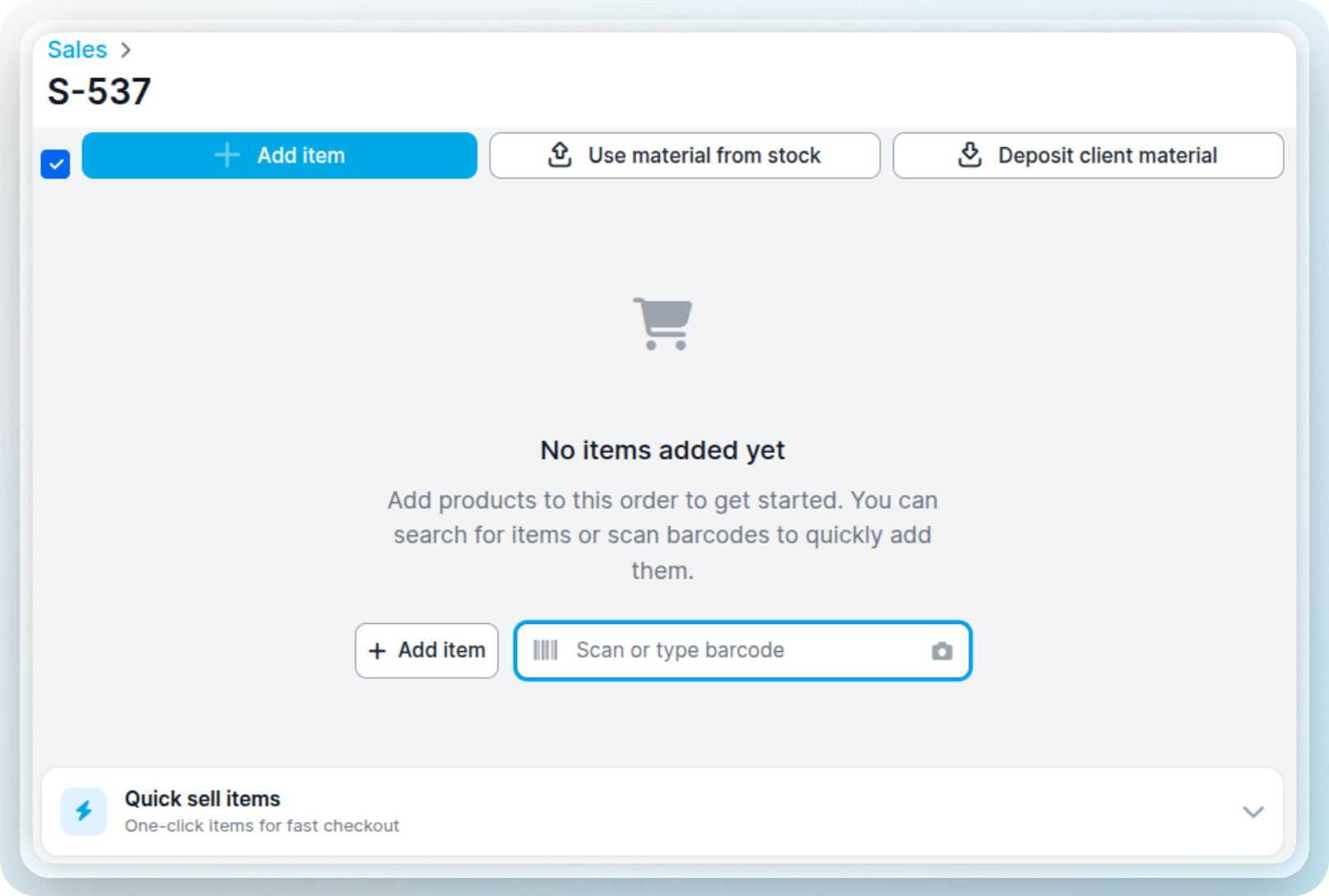
Un escáner de códigos de barras, la cámara de su iPad, la barra de búsqueda o un botón de venta rápida. El producto, el precio y el stock se rellenan automáticamente.
Vincule la venta a un contacto, o manténgala anónima. Las ventas vinculadas construyen un historial de compras que realmente usará después.
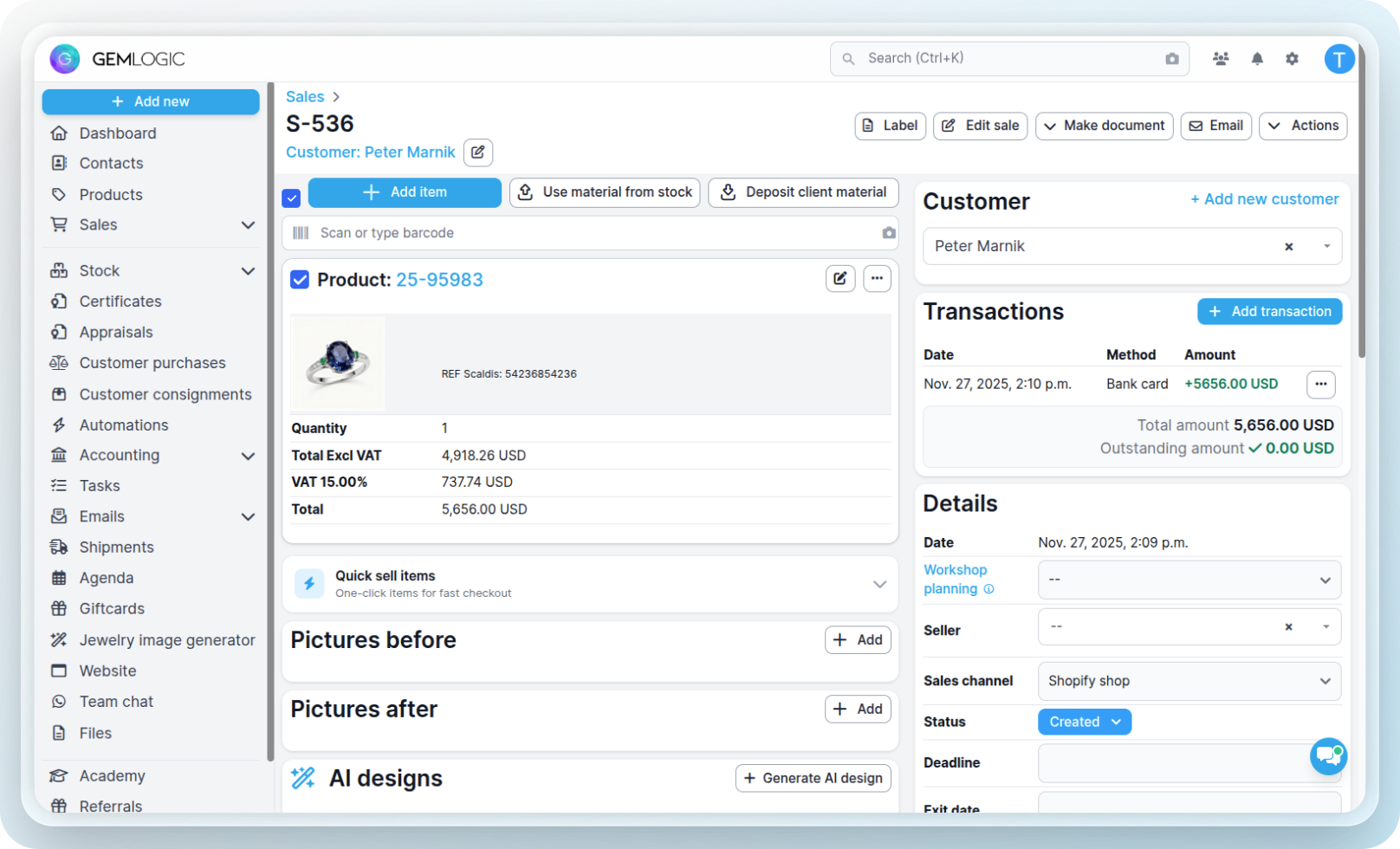
Efectivo, tarjeta, transferencia, cheque o tarjeta regalo, o envíe el importe directamente a un terminal conectado. Divida entre varios métodos si lo necesita.

Una factura o recibo con su marca, con el desglose del IVA. Después, todo lo indicado arriba ocurre automáticamente.
Tres formas de hacerlo. Use la que mejor se adapte al momento.
Una etiqueta escaneada a mano un sábado ajetreado, un número de referencia leído de un sobre de reparación, un cambio de pila que vende cuarenta veces al mes. Las tres acaban en la misma venta.
Las joyas rara vez se pagan de una sola forma.
Mitad con tarjeta hoy, el resto por transferencia la próxima semana. Una tarjeta regalo más efectivo. Un depósito tomado en abril contra un anillo recogido en junio. Regístrelo tal como sucedió en realidad.
La factura muestra ambos. La venta permanece abierta sobre el saldo pendiente hasta que llegue el importe.
Conecte un terminal CCV o Stripe y envíe el importe desde la pantalla de venta. No hace falta teclear el total dos veces ni hay discrepancias al cierre.
Cierre la caja registradora y Gem Logic muestra lo que debería haber en el cajón por método, contra lo que usted contó. Las diferencias quedan registradas, no se discuten.
Las transacciones complicadas, manejadas correctamente.
La mayor parte de lo que cruza un mostrador de joyería no es una compra simple. Es un depósito, una devolución, una pieza en aprobación, una permuta por algo nuevo.
Envíe un presupuesto con un enlace de pago para depósito y una fecha de vencimiento. Cuando esté lista, se convierte en la venta sin volver a teclear nada.
Marque el artículo como devuelto y se emite una nota de crédito. El stock regresa al estante y las cifras se corrigen automáticamente.
Las piezas enviadas a prueba se mantienen rastreadas mientras están fuera, y se convierten en una venta o regresan al inventario.
Emita, canjee y consulte el saldo restante, como método de pago en la venta igual que cualquier otro.
Reciba la pieza antigua con su valoración, compénsela contra la nueva y mantenga ambos lados en el registro.
Porcentaje o importe fijo, por línea. La factura imprime el precio original, el descuento y el importe pagado.
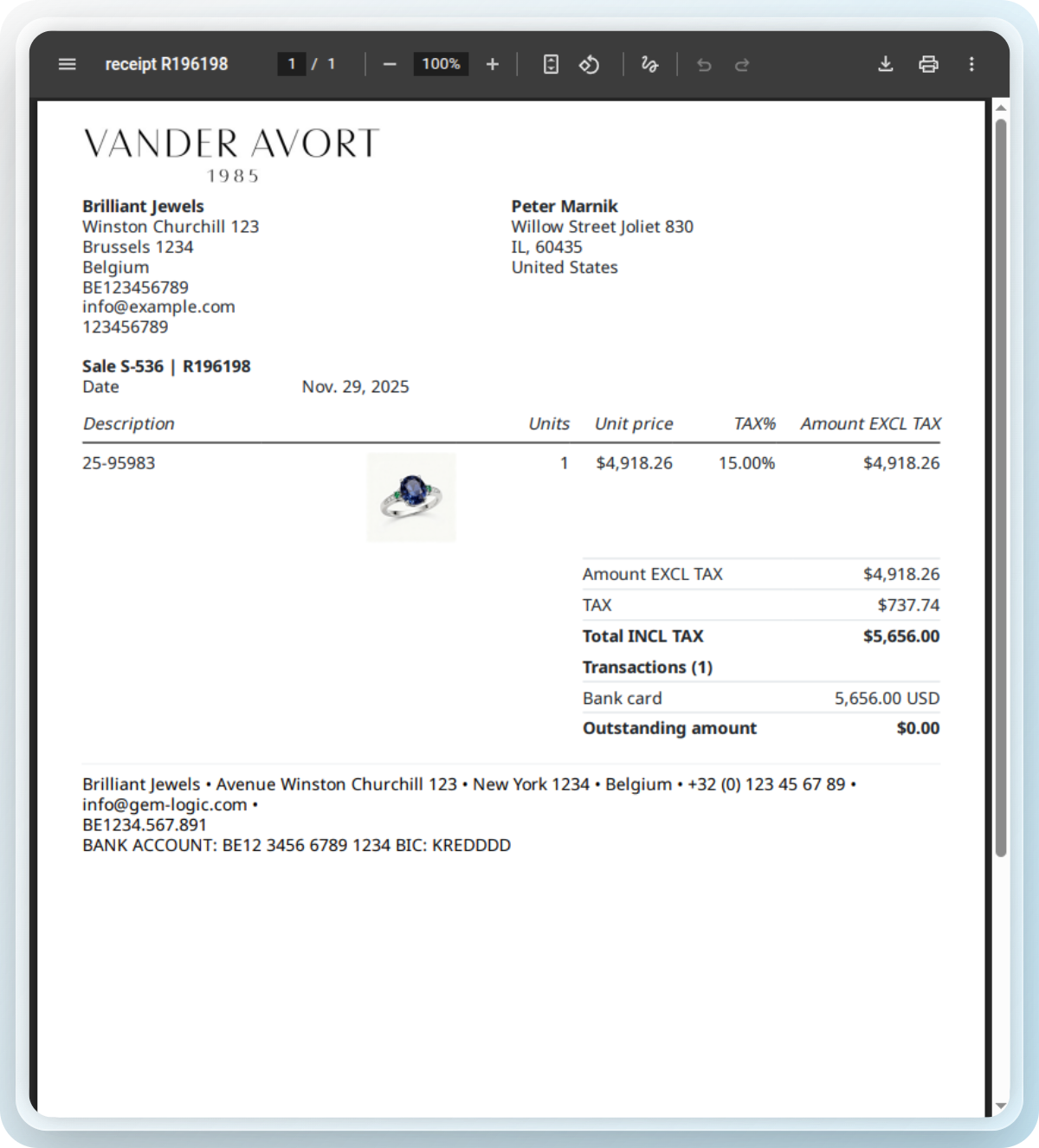
Documentación a la altura de la pieza que acaba de comprar.
Entregar un anillo de 2.000 € con un tique térmico de caja deshace parte del trabajo. Cada venta puede imprimir o enviar por correo electrónico una factura apropiada, con sus datos, la pieza descrita correctamente y el IVA detallado.
Venda desde donde esté el cliente.
Gem Logic funciona en el navegador. Un iPad en la vitrina, un portátil en la trastienda, el ordenador de sobremesa en el banco de trabajo. La misma venta, al mismo instante, sin instalar nada.
Nuestro controlador de impresión permite que el iPad imprima facturas, etiquetas y tiques en cualquier impresora de la tienda. Sin controladores, sin cables colgando del mostrador.
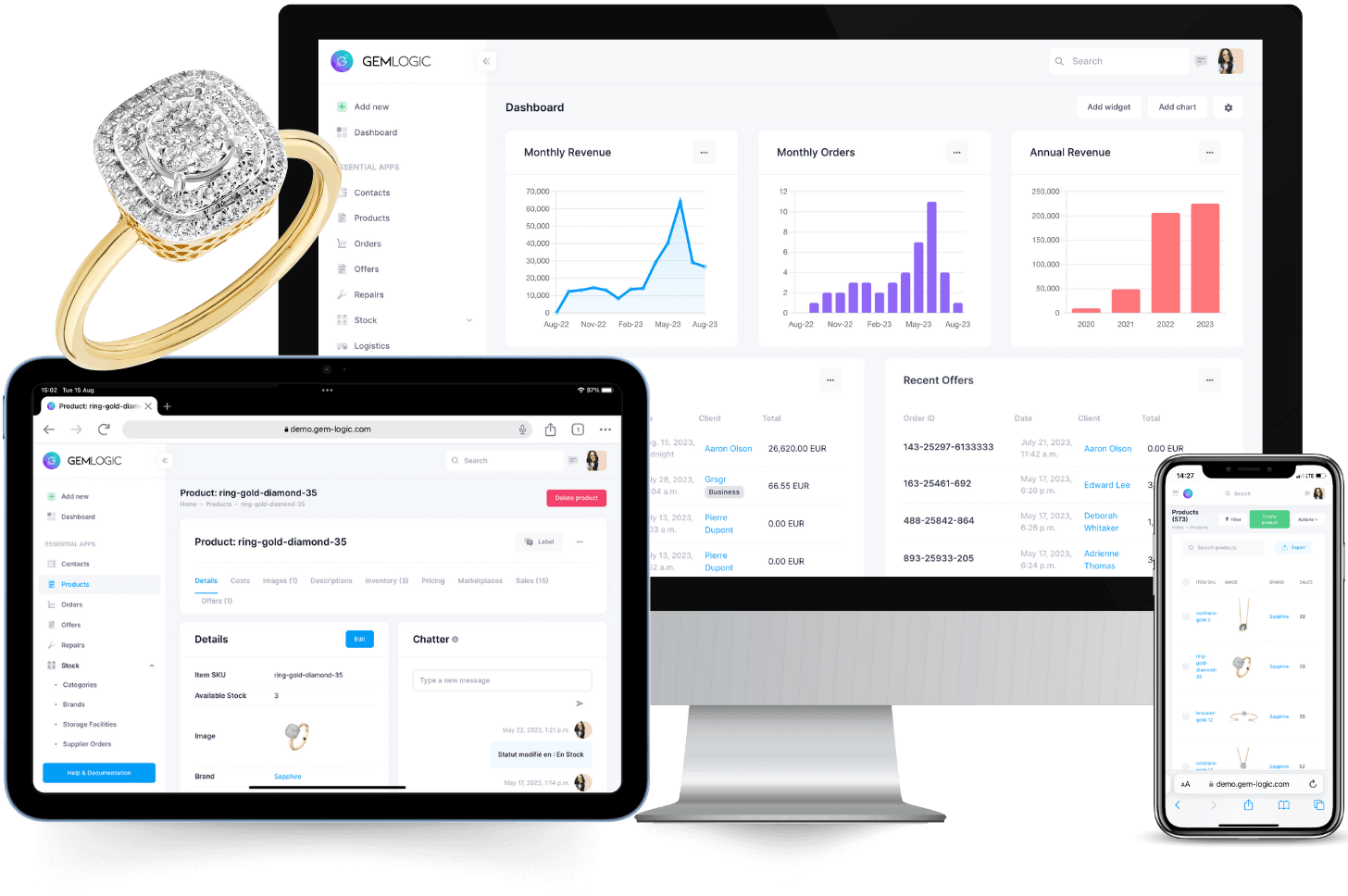
Ventas es un módulo. Solo funciona tan bien gracias a los demás.
Preguntas que nos hacen los joyeros
Efectivo, tarjeta bancaria, tarjeta de crédito, transferencia bancaria, tarjetas regalo, cheques y terminales CCV o Stripe, y una sola venta puede dividirse entre varios métodos. El importe se envía al terminal desde la pantalla de venta y el estado se actualiza en tiempo real.
Sí. Sale del inventario al instante, y una devolución lo vuelve a añadir con una nota de crédito. Cada artículo tiene un coste y un precio de venta, por lo que su margen por venta y por producto está ahí sin ningún ajuste manual.
Cada venta puede imprimir o enviar por correo electrónico una factura o recibo profesional con los datos de su negocio, un desglose del IVA y la información de pago. Está vinculado directamente con su contabilidad, con notas de crédito para devoluciones y correcciones.
Nada que instalar. Se ejecuta en el navegador en iPad, portátil o escritorio y se sincroniza en tiempo real. Con el controlador de impresora puede imprimir facturas y etiquetas en cualquier impresora, sin controladores ni cables en el iPad.
Registre una venta y vea qué sucede después.
Reserve una demostración breve y le mostraremos todo el flujo de pago con sus propios productos. O inicie una prueba gratuita y pruébelo en el mostrador.