Un catálogo no es un documento. Es una selección con fecha de vigencia.
Conserve la selección. Genere un PDF cuando lo necesite, con precios actualizados en el momento en que presiona el botón, y envíe un enlace web siempre actualizado. Cuando expire la vigencia, el catálogo mismo lo indica.

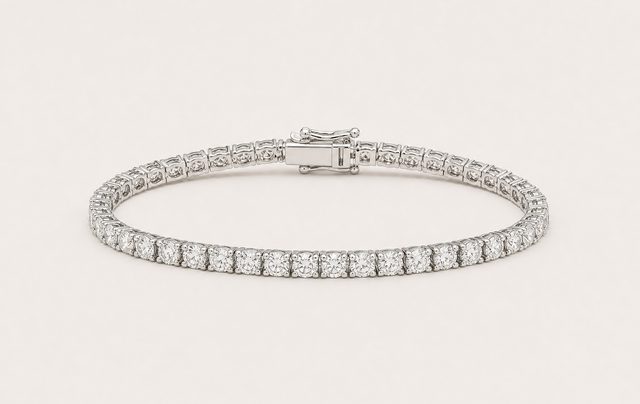
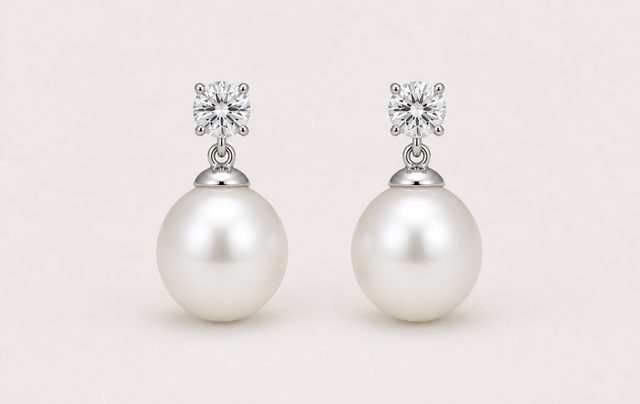
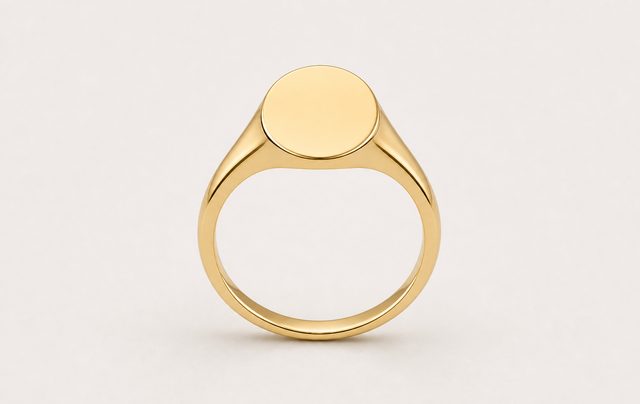
Un catálogo de muebles dura una temporada. El suyo dura quince días.
Venda un sofá y la tienda seguirá teniendo sofás. Venda un anillo y ese anillo desaparece, porque solo había uno. Cada catálogo que envía es una lista de cosas que desaparecen una por una, y las mejores piezas se van primero.
Luego el oro se mueve y los precios también están equivocados. Por eso un catálogo no puede ser un archivo que usted mantenga. Tiene que ser algo lo bastante económico como para rehacerlo la mañana que lo necesite, y por esa razón cada catálogo aquí incluye una ventana de validez y le indica en qué estado se encuentra.
Establezca una fecha de inicio y una de finalización y el estado se deriva de las fechas. Un catálogo que usted olvidó queda etiquetado, no circulando en silencio.
Así se ve un archivo estático después de tres semanas, no una pantalla de Gem Logic. La solución no es llevar mejor control. Es hacer uno nuevo tan fácil que siempre lo haga.
Usted no edita el catálogo del mes pasado. Genera el de este mes.
El catálogo es la selección: las piezas, en el orden que usted dispuso, con su logotipo y su color de acento. Cada PDF es una instantánea de esa selección en un día particular, guardada con su fecha y su propio enlace. Genere tantas como desee y elimine las que ya cumplieron su momento.
Buscar, añadir, arrastrar. Nada se vuelve a escribir.
Las fotos, nombres, SKU y precios ya viven en sus productos, así que crear un catálogo es elegir, no redactar. Comience a escribir y la búsqueda le ofrece piezas con su miniatura y precio. Todo lo que ya está en este catálogo queda fuera de los resultados, para que no pueda agregarlo dos veces. Para piezas sin foto o descripción aún, las herramientas de IA para joyería llenan el vacío antes de imprimir.

Un enlace para el comprador. Un archivo para su contable.
Dos elementos para compartir, y cumplen funciones distintas. Ninguno pide a nadie crear una cuenta.
Una página con su marca en su propia dirección, mostrando la selección actual, construida a partir de las mismas fotos que su tienda online. Se abre en un teléfono en una feria, no hay nada que descargar, y no puede quedarse envejeciendo en una bandeja de entrada, porque no es una copia.
Calidad de impresión, maquetado para usted, y fijado en el momento en que lo creó. Esa fijeza es el punto: es la versión a la que ambos pueden referirse cuando un comprador llame en octubre por un precio de junio.
Tres ajustes, y deja de parecer software.
No hay galería de plantillas en la que perderse. Un logotipo, un color de acento y un idioma: esa es toda la decisión de diseño, y es la cantidad correcta para un documento cuyo trabajo es mostrar las piezas.
Se rellena automáticamente con la imagen corporativa de su tienda al crear el catálogo, por lo que el primero ya es correcto. Cámbielo en cada catálogo si una colección, o una de sus tiendas, tiene su propia marca.
Define los precios y los separadores. Un solo color es deliberado: elija el de su escaparate y el documento se leerá como suyo.
Configure el catálogo en el idioma de su comprador y los títulos y descripciones de productos se mostrarán traducidos, no solo los encabezados. Vender en Francia debe leerse como tal.
Cuatro ocasiones que requieren cuatro catálogos diferentes.
Un archivo maestro nunca se adapta a todas ellas, por eso la mayoría de los joyeros envían el incorrecto. Mantenga cuatro selecciones en su lugar y genere a partir de la que se ajuste a cada situación.
Todo lo que hay en el stand, válido durante la semana de la feria, enviado como enlace desde el stand mientras el comprador aún está frente a usted.
Ocho piezas elegidas para la persona que viene el jueves, válidas hasta el final de la semana y enviadas antes de la cita. No necesita sobrevivir a la reunión.
Su idioma, y solo las líneas que está dispuesto a suministrar de forma recurrente. Regenere cada temporada a partir de la misma selección, y envíe las piezas que soliciten ver en depósito.
Programada antes de la fecha de lanzamiento, para que permanezca inactiva hasta el día en que deba publicarse en lugar de enviarse por error antes de tiempo.
Un catálogo solo es tan bueno como lo que hay detrás de él.
¿Cuándo se creó realmente el catálogo que está enviando hoy?
Reserve una demostración y construiremos uno a partir de su propio inventario mientras observa, y luego un segundo, para un comprador diferente, para que pueda ver lo que le ha costado mantener un solo archivo maestro.