One click. The right printer, every time.
Your store has an A4 printer for invoices, a label printer for tags and a receipt printer at the counter. Gem Logic's Printer Controller makes all three available to every device, with no drivers and no cables. Tap print and the right document comes out of the right printer.
Four things that slow a counter down.
Drivers, cables, the one computer that can print, the walk to find it. The Printer Controller removes all four, so printing stops being a task and becomes one click.
The controller speaks to every printer. Your devices just send the job to Gem Logic and nothing else.
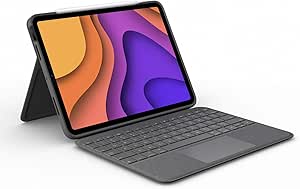
A tablet or phone with a browser is a printing station. That matters when your counter runs on iPads.
Gem Logic knows invoices go to the A4 printer, tags to the label printer and receipts to the counter. You only click.
Every document type, one screen, with printer assignments set once. Nothing to reconfigure when a new printer arrives.
When you start with Gem Logic, our team connects and configures your printers with the exact paper and labels you use. If something changes later, support gets it running again quickly.
The old way costs more than the printers do
Most stores print from one computer for one reason: it was the only one that worked. Here is what that habit costs.
Every document the store prints, in one place
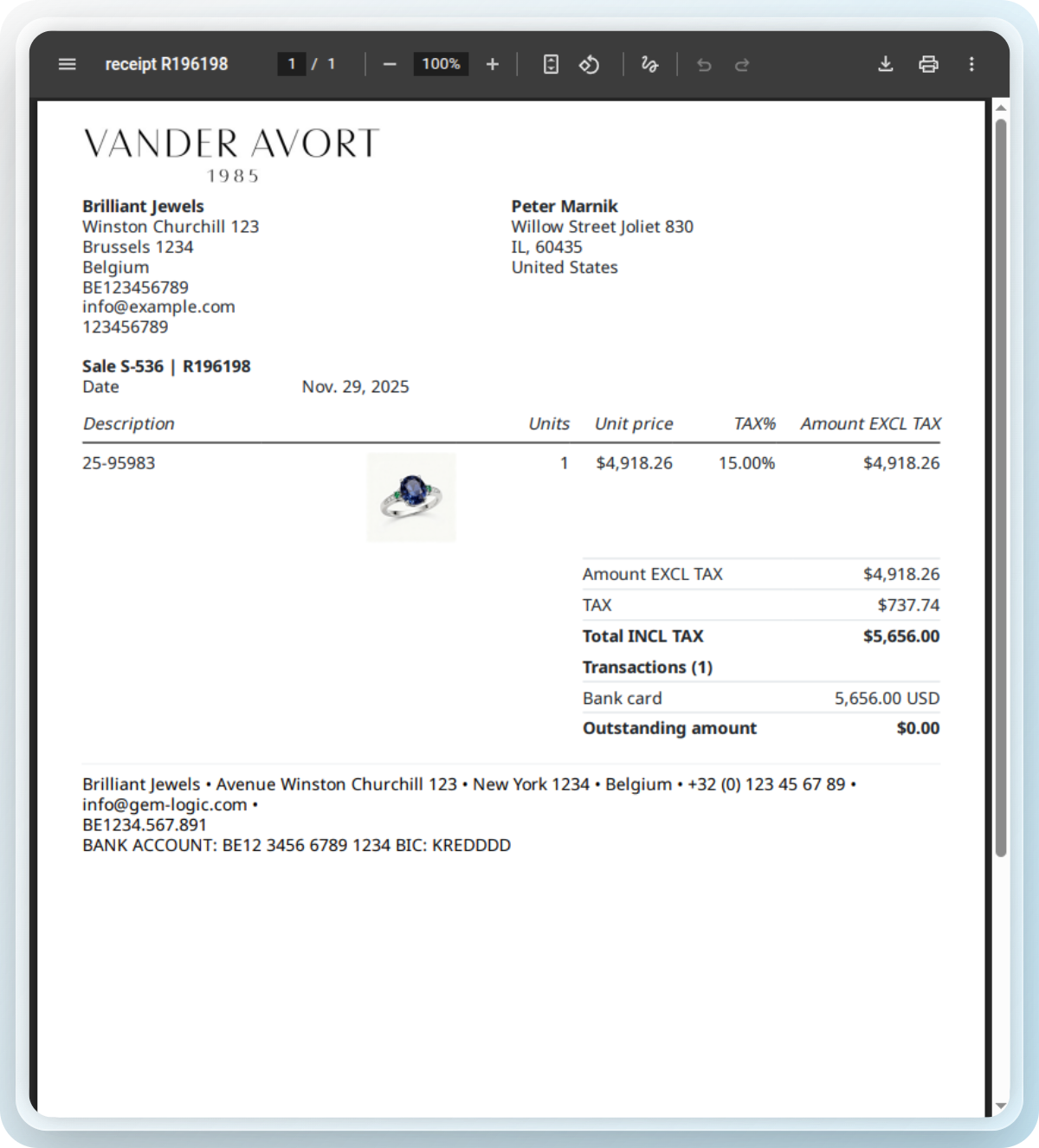
Gem Logic generates the documents and routes each one to the right printer. Everything is designed for jewelry and prints cleanly the first time.
Prefer to fine-tune a Zebra label by hand? Our free ZPL label designer and validator previews and checks your code instantly.
Printers we test, so you don't have to
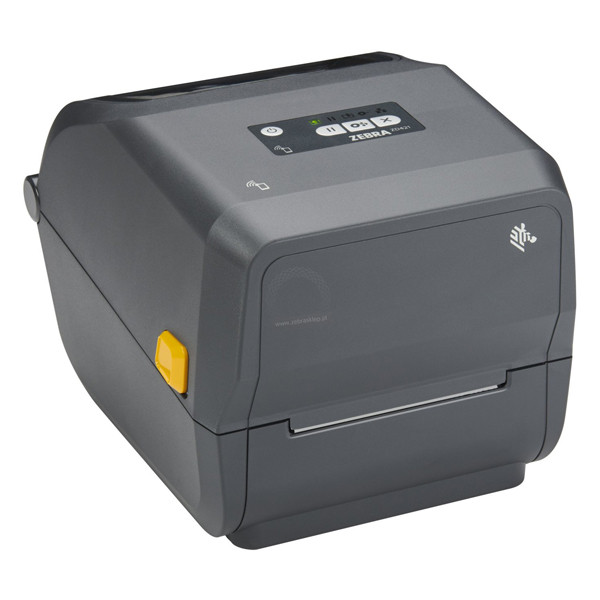
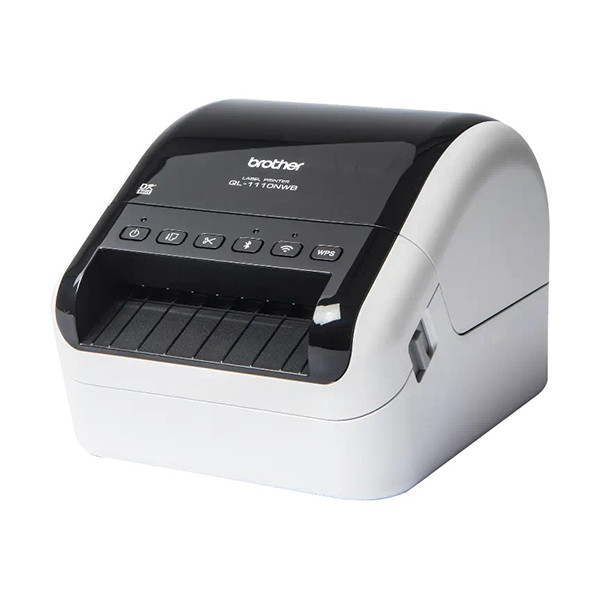
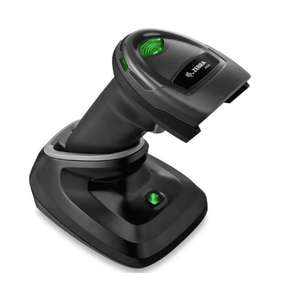
We sell and support the printers, scanners and labels that work with Gem Logic, all tested in real stores and available with supplier references.
One print job, every module
Smart printing works wherever a document is made. The same controller handles them all.
Printing touches every corner of the shop.
Questions jewelers ask us
A4, label and receipt printers from the major brands, with Zebra as our most recommended line. Browse the hardware catalog for the printers and label stock we sell and test.
Yes. Any device with a browser becomes a printing station through the Printer Controller. Tap print and the document goes to the right printer.
No. The controller handles all printer communication. Your devices never talk to the printer directly, so there is nothing to install or update on them.
Invoices, quotes, product labels, repair tickets, delivery forms and credit notes. For jewelry tags specifically, see the label printing page.
The right document, out of the right printer, first time.
Book a demo and we will show you the printing setup for your store, from the controller to the label stock. Or start a free trial and print a test invoice today.