The whole sale on one screen.
Scan the piece, attach the customer, split the payment, print the invoice. Four moves at the counter, and stock, margin, accounting and the customer file update themselves.
A till takes the money. This closes the loop.
The reason jewelers move off a cash register isn't the checkout. It's the hour of admin afterwards. Press Complete sale and six records move by themselves, in the same second.
No end-of-day spreadsheet, no re-keying invoices for the accountant, no wondering whether the website still lists a ring you sold on Saturday.
Including the piece on your webshop, so the listing comes down before the customer is out the door.
Cost price against sell price, so you know what a sale earned, not just what it rang up.
The purchase, the invoice and the sizing note land on her profile. Useful in two years, when she's back.
Invoice, VAT breakdown and payment method, in the format your accountant already accepts.
Day, category, staff member, location. Ready when you look, not built when you ask.
Each payment sits under its own method, so tonight's close is a check, not a reconstruction.
Four steps, and nobody leaves the counter.
From the moment a customer decides to buy, to handing over the receipt. Every step happens on one screen, with no switching apps and no second device.
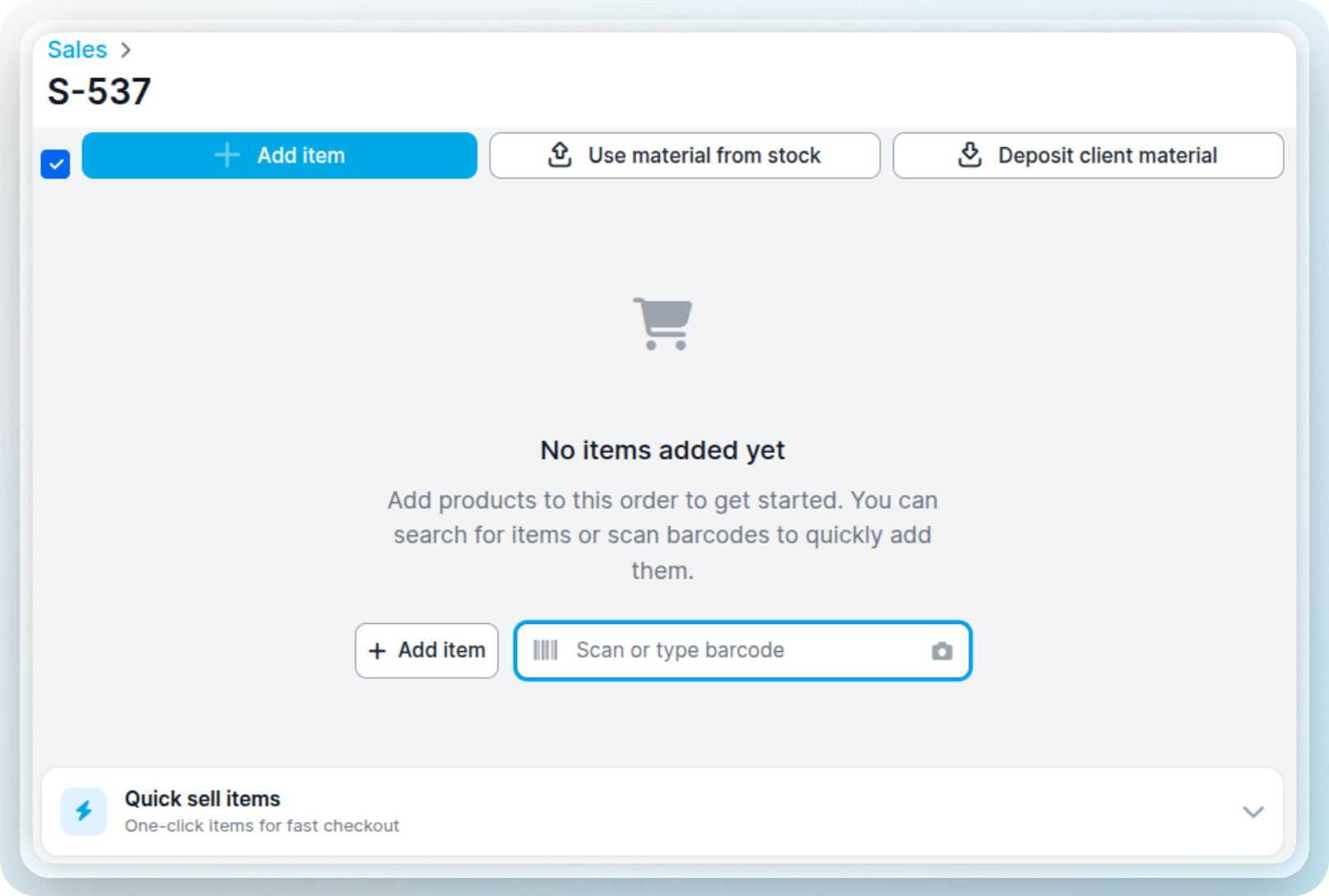
A barcode scanner, your iPad camera, the search bar, or a quick-sell button. Product, price and stock are filled in for you.
Link the sale to a contact, or keep it anonymous. Linked sales build a purchase history you'll actually use later.
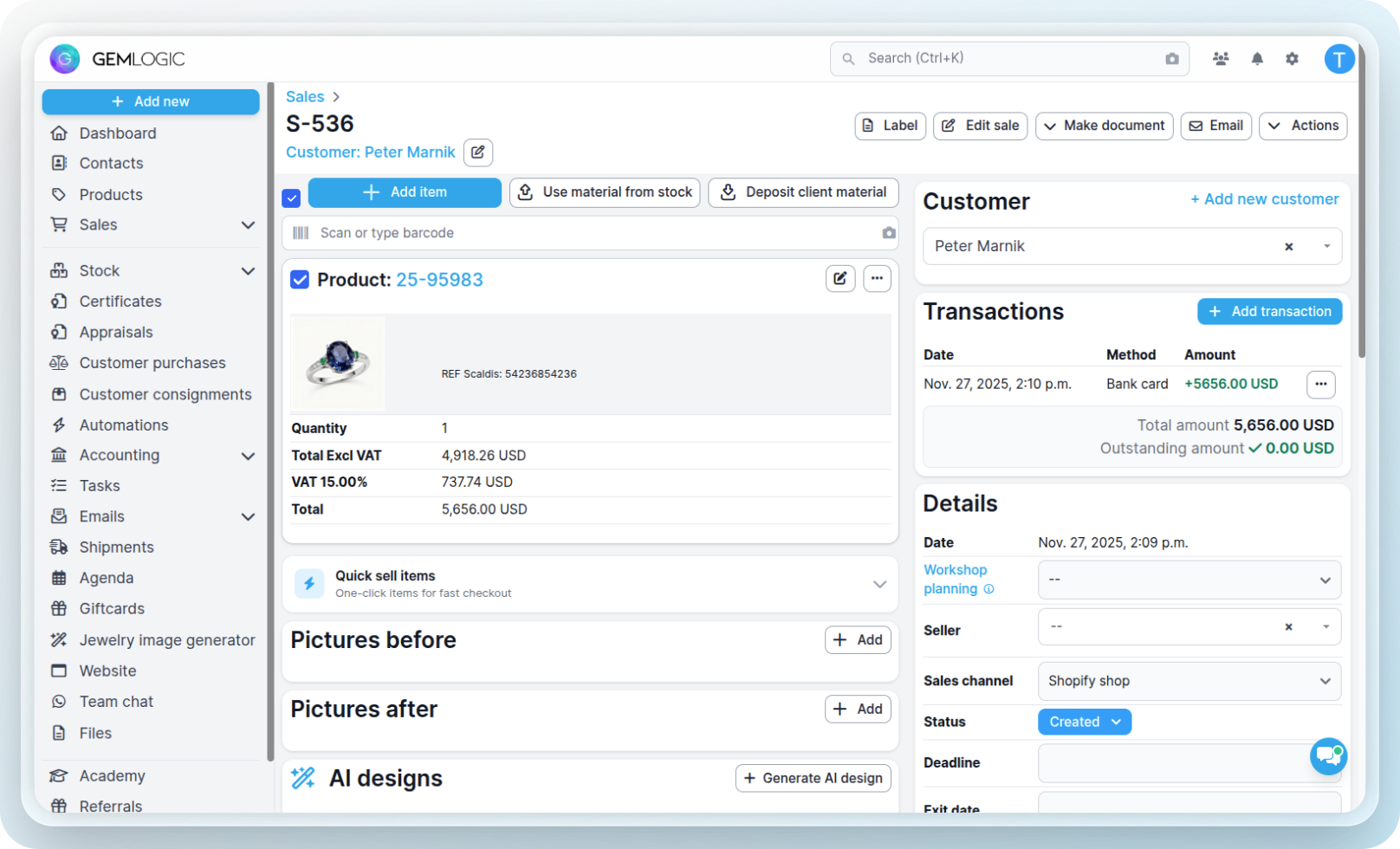
Cash, card, transfer, gift card or cheque, or push the amount straight to a connected terminal. Split across methods if you need to.

A branded invoice or receipt, with the VAT breakdown. Then everything in the band above happens on its own.
Three ways in. Use whichever the moment allows.
A hand-scanned tag on a busy Saturday, a reference number read off a repair envelope, a battery swap you sell forty times a month. All three end up on the same sale.
Jewelry rarely gets paid for in one tidy way.
Half on the card today, the rest by transfer next week. A gift card plus cash. A deposit taken in April against a ring collected in June. Register it the way it actually happened.
The invoice shows both. The sale stays open on the outstanding thousand until it lands.
Connect a CCV or Stripe terminal and send the amount from the sale screen. No typing the total twice, no mismatch at close.
Close the register and Gem Logic shows what should be in the drawer per method, against what you counted. Differences are logged, not argued about.
The awkward transactions, handled properly.
Most of what crosses a jewelry counter isn't a clean checkout. It's a deposit, a return, a piece on approval, a trade-in against something new.
Send a quote with a pay-by-link deposit and an expiry date. When she's ready, it converts into the sale, with nothing retyped.
Mark the item returned and a credit note is issued. Stock goes back on the shelf, the figures correct themselves.
Pieces out on approval stay tracked while they're away, and turn into a sale or come back into stock.
Issue, redeem and see the remaining balance, as a payment method on the sale like any other.
Take the old piece in at a valuation, offset it against the new one, and keep both sides on the record.
Percentage or fixed, per line. The invoice prints the original price, the discount and the amount paid.
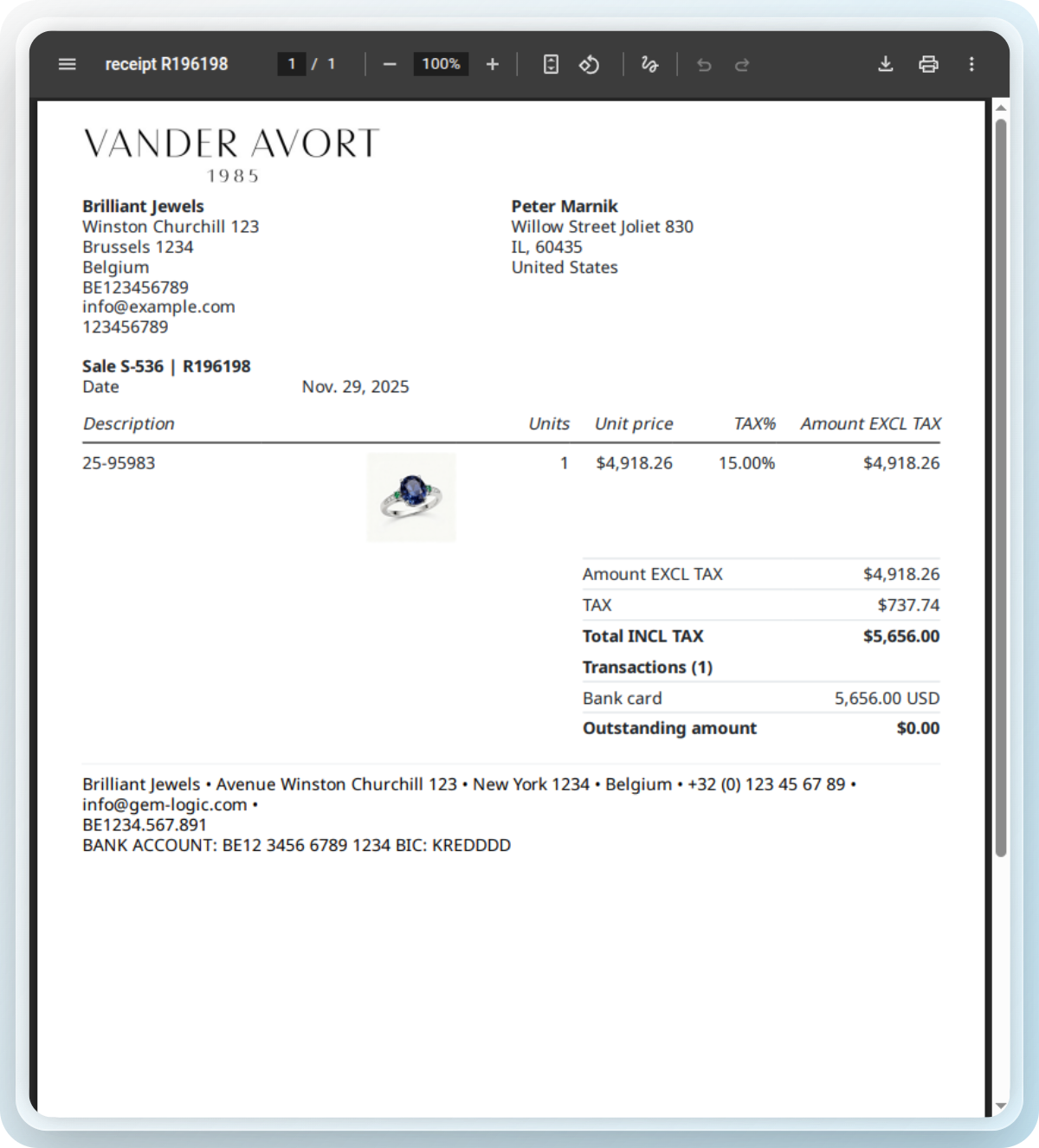
Paperwork that looks like the piece she just bought.
A € 2,000 ring handed over with a thermal till roll undoes some of the work. Every sale can print or email a proper invoice instead, with your details, the piece described properly and the VAT set out.
Sell from wherever the customer is standing.
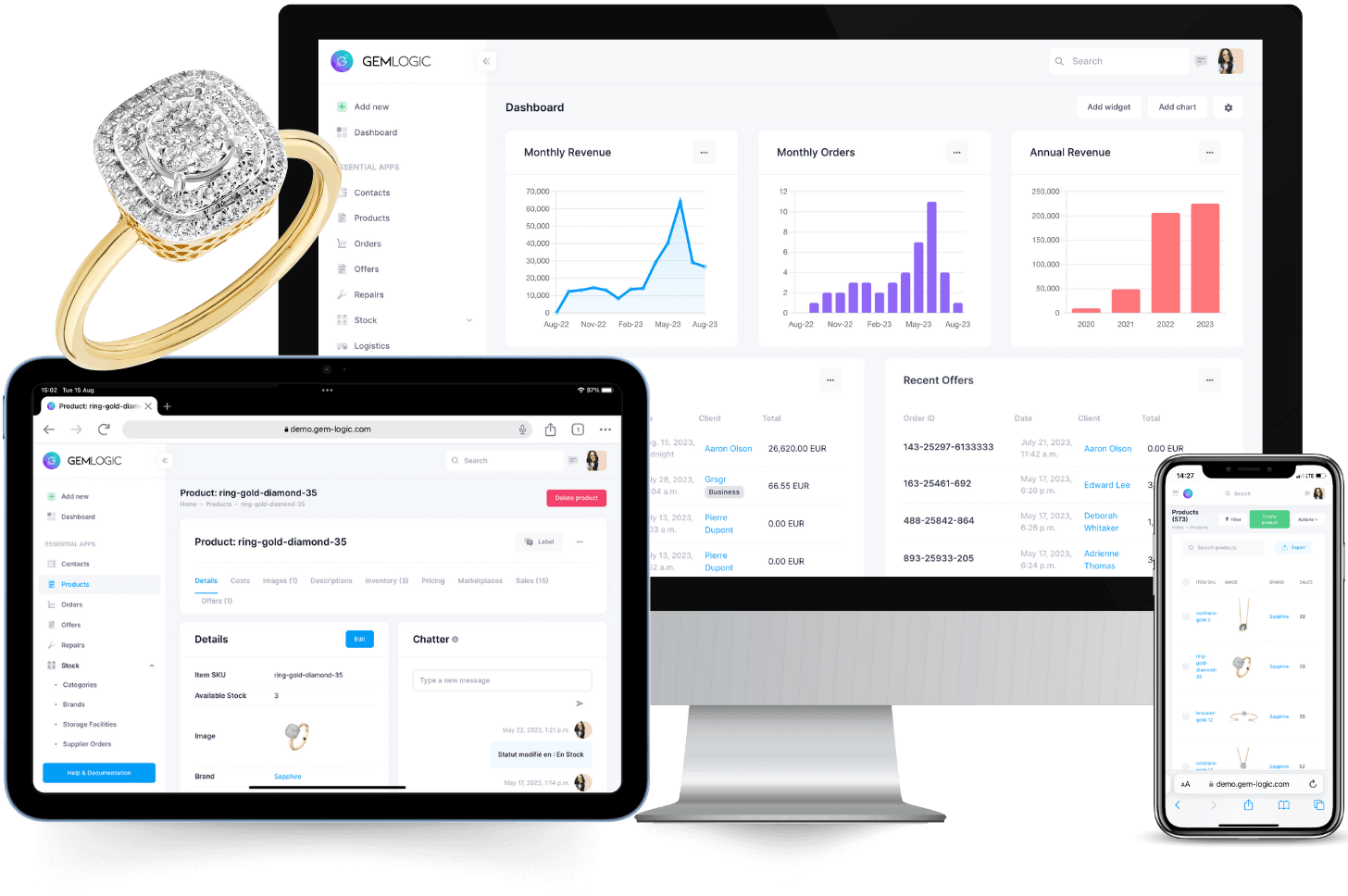
Gem Logic runs in the browser. An iPad at the display case, a laptop in the back office, the desktop at the bench. Same sale, same second, nothing installed.
Our printer controller means the iPad can still print invoices, labels and receipts to any printer in the shop. No drivers, no cable hanging off the counter.
Sales is one module. It only works this well because of the others.
Questions jewelers ask us
Cash, bank card, credit card, bank transfer, gift cards, cheques, and CCV or Stripe terminals, and a single sale can be split across several. The amount goes to the terminal from the sale screen and the status updates in real time.
Yes. It leaves stock instantly, and a return adds it back with a credit note. Each item carries a cost and a sell price, so your margin per sale and per product is there without any manual adjustment.
Every sale can print or email a professional invoice or receipt with your business details, a VAT breakdown and payment info. It's linked straight to your accounting, with credit notes for returns and corrections.
Nothing to install. It runs in the browser on iPad, laptop or desktop and syncs in real time. With the printer controller you can print invoices and labels to any printer, with no drivers or cables on the iPad.
Ring up one sale and see what happens next.
Book a short demo and we'll walk the whole checkout flow with your own products. Or start a free trial and try it at the counter.