A point of sale that knows what 18 karat means.
Weigh a trade-in and it prices itself off the live gold rate. Take a repair in with the sale, send a ring out on approval, spread a payment across four months. All of it from an iPad at your counter.
Seven things that happen at a jewelry counter every week.
None of them are exotic. All of them turn into a workaround on a system designed for selling shoes. Here's what the workaround actually is.
The old objection was that jewelry software meant a Windows box in the back room that fell over on a Saturday. That trade-off is gone: this runs in a browser on an iPad, and there's nothing to keep alive.
The features nobody else ships, because nobody else only does jewelry.
These aren't add-ons or modules you buy separately. They're in the same screen your staff already have open.
Weight, purity and your own buy-in rate against a live market price. Offset a trade-in against the new piece in the same transaction.
Open a ticket while she's still at the counter: photos from the iPad camera, a promised date, and an automatic message when it's done.
A schedule on the sale, the balance visible to whoever serves her next, and the piece held out of sellable stock while she pays.
Pieces out on approval stay on the books as out, not sold and not in the case, with return dates that chase themselves.
Shoot the piece, the damage or the sketch on the iPad and it attaches to the record. Enough for insurance, and for the argument you'd rather not have.
SMS and email go out on repair updates, pickups and appointments, so nobody spends Thursday afternoon on the phone.
An iPad, three printers and a scanner. We wire it up.
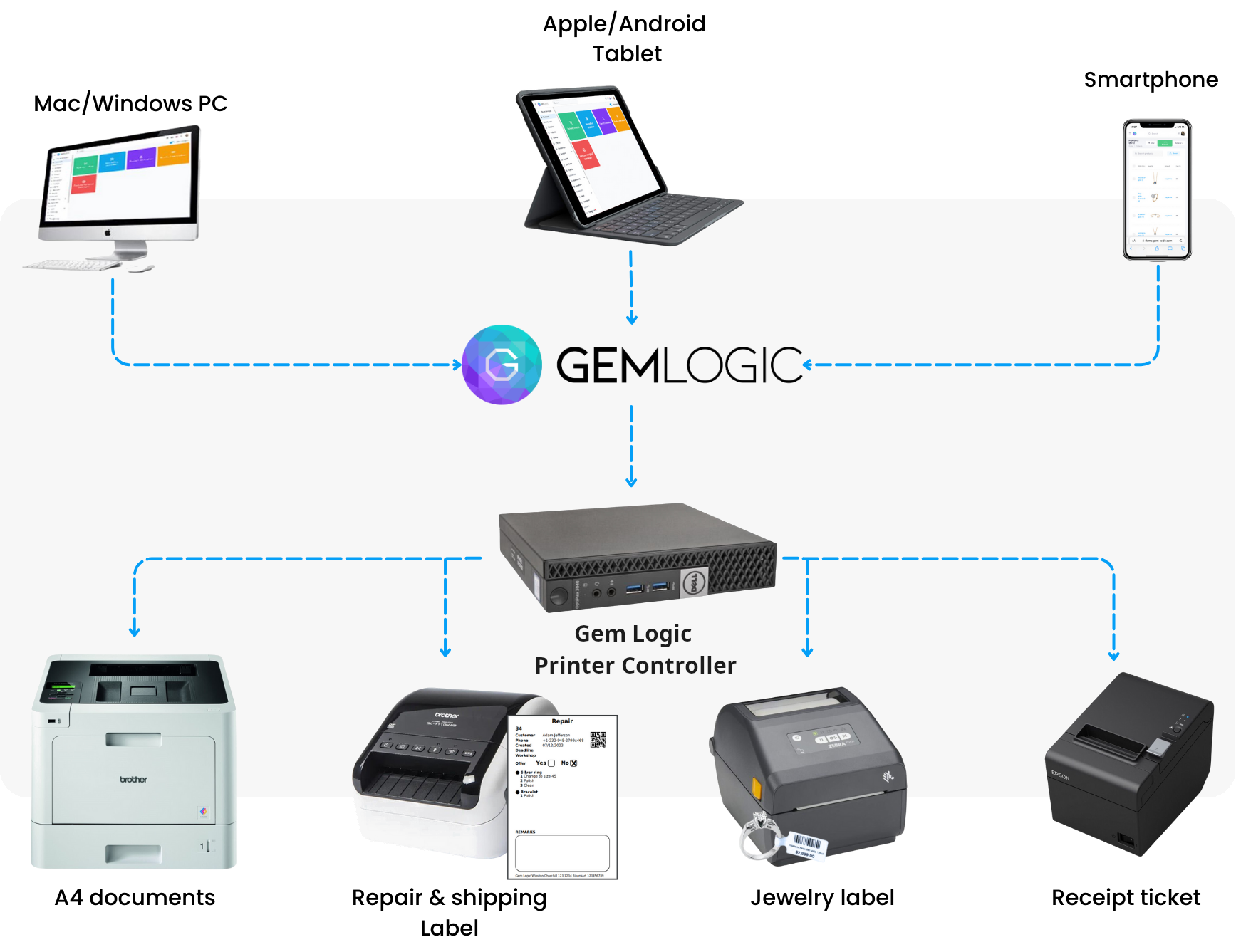
The reason most jewelers end up on a desktop isn't preference. It's that an iPad can't normally print to a butterfly-tag printer. Our printer controller solves exactly that, and it's the piece of the setup nobody else brings.
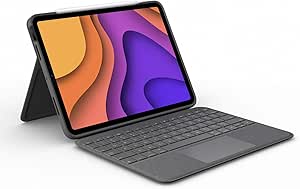
Serve where the customer is standing. Camera for photos, keyboard case for the data entry.
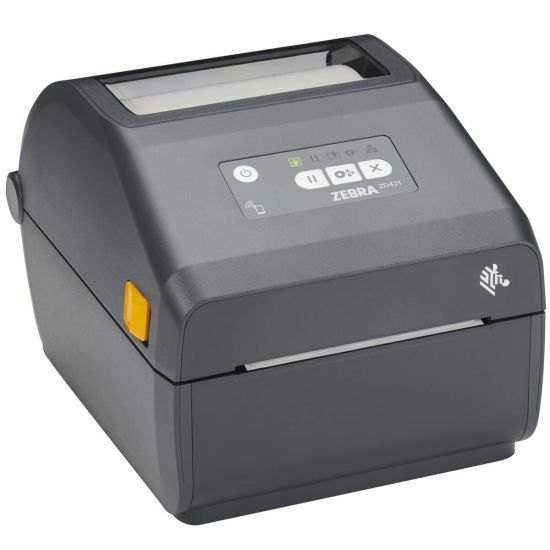
Butterfly tags, repair tags and barcodes small enough for a ring shank.
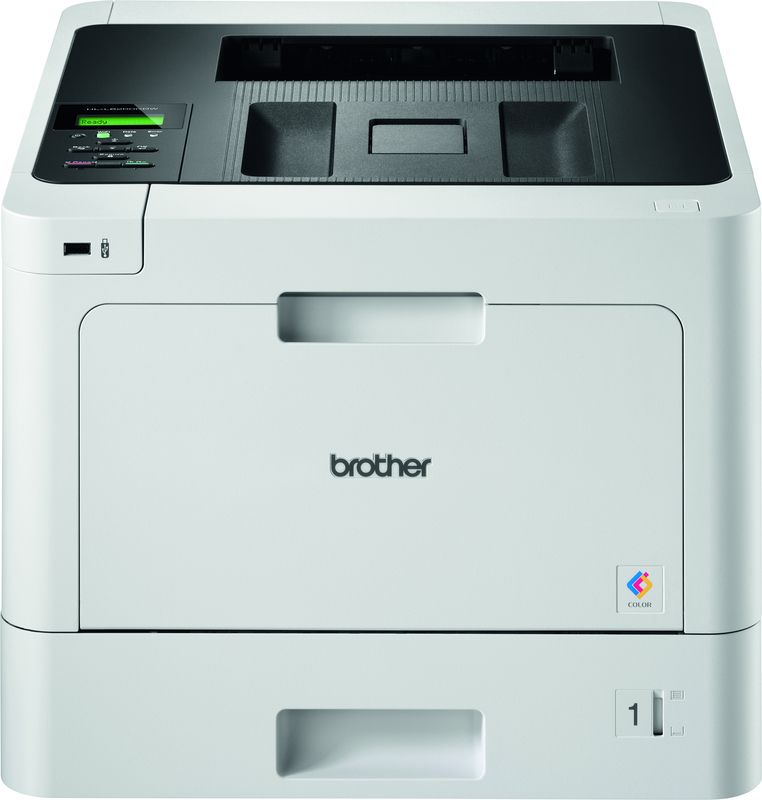
Invoices, purchase documents and contracts, on paper you're happy to hand over.

Cordless scanning for stock counts, and a CCV or Stripe terminal fed from the sale.
Tell Gem Logic which printer handles which document. After that it's one tap from any device, with no print dialog and no driver.
Printers plug into the controller by USB or WiFi and it configures them. Nothing is installed on the iPad, and nothing breaks when Apple updates it.
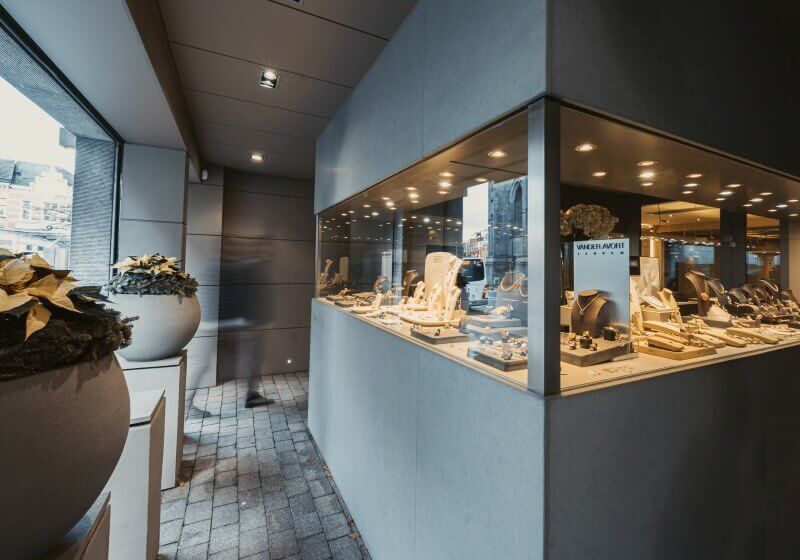
Thirty-five years of stock, finally countable.
Juwelen Vander Avort is a family store with three decades of history in the cases, and the inventory chaos that comes with it. They moved onto an integrated POS, sorted out what they actually had, and changed how the counter serves people.
The rest of what runs on the same iPad.
Bring us the transaction your current system can't do.
A gold buy-in, a layaway, a repair that turned into a custom job. We'll show you that exact thing on a demo, on an iPad, in your language.