_refreshHasGeneratedImagesInWorkspace())" class="relative w-full bg-gray-50 dark:bg-gray-900" style="height:calc(100vh - 73px)" x-init="
const updateWorkspaceHeight = () => {
const header = document.getElementById('header');
const headerHeight = header ? header.offsetHeight : 0;
$el.style.height = (window.innerHeight - headerHeight) + 'px';
document.documentElement.style.setProperty(
'--workspace-header-height', headerHeight + 'px'
);
};
updateWorkspaceHeight();
window.addEventListener('resize', updateWorkspaceHeight);
$nextTick(() => updateWorkspaceHeight());
requestAnimationFrame(() => requestAnimationFrame(updateWorkspaceHeight));
const headerEl = document.getElementById('header');
if (headerEl && typeof ResizeObserver !== 'undefined') {
new ResizeObserver(() => updateWorkspaceHeight()).observe(headerEl);
}
" @htmx:after-swap.window=handleAfterSwap($event) @y_image_generator:image-deleted.window=handleImageDeleted($event) data-featured-disabled=0 id=image_workspace x-data=imageWorkspace()> 7 tools
What do you want to create today?
Pick a tool to get started. Each one is tuned for a specific jewelry workflow.
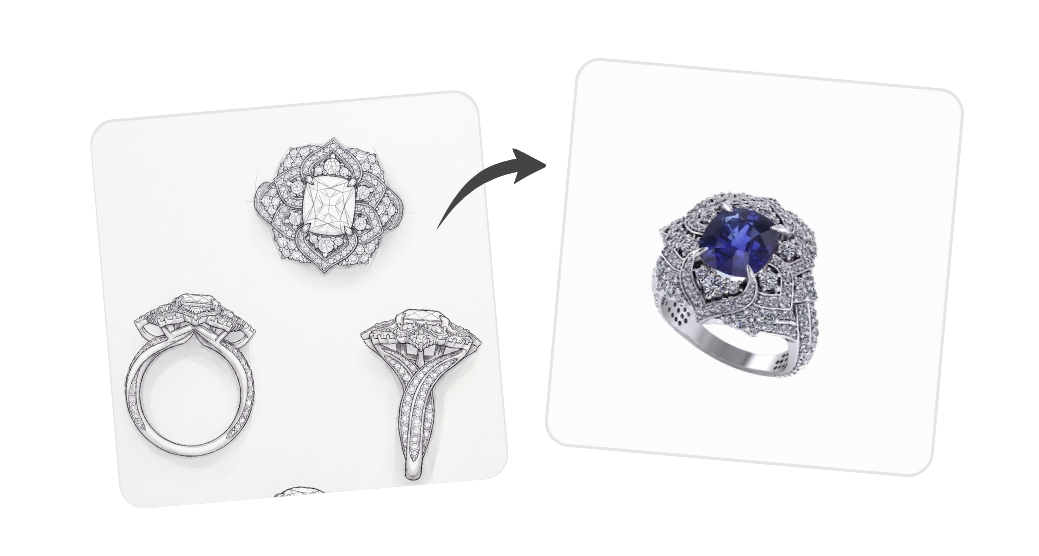
Jewelry design
Turn a hand-drawn sketch or a short brief into a finished jewelry render.
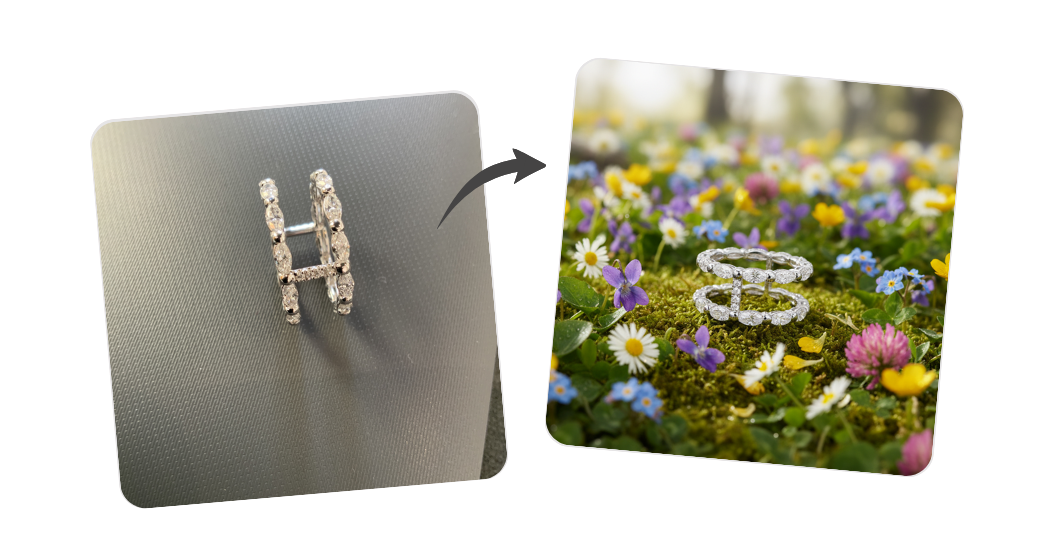
Creative inspiration
Showcase a jewel in a luxury editorial photoshoot: pick a mise en scène, then describe the piece or vibe.
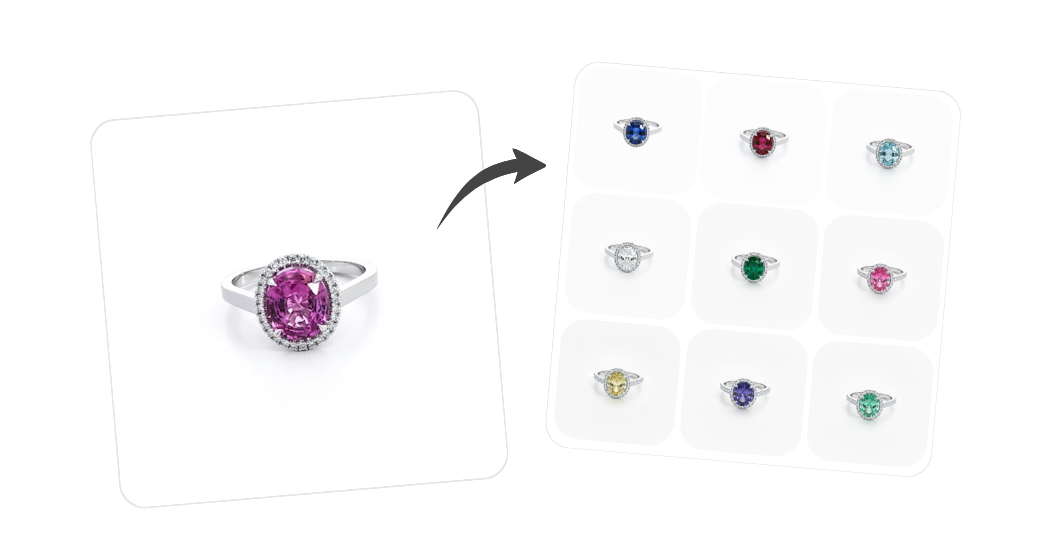
Jewelry variants
Gems, metals, and cut or shape on one base render.
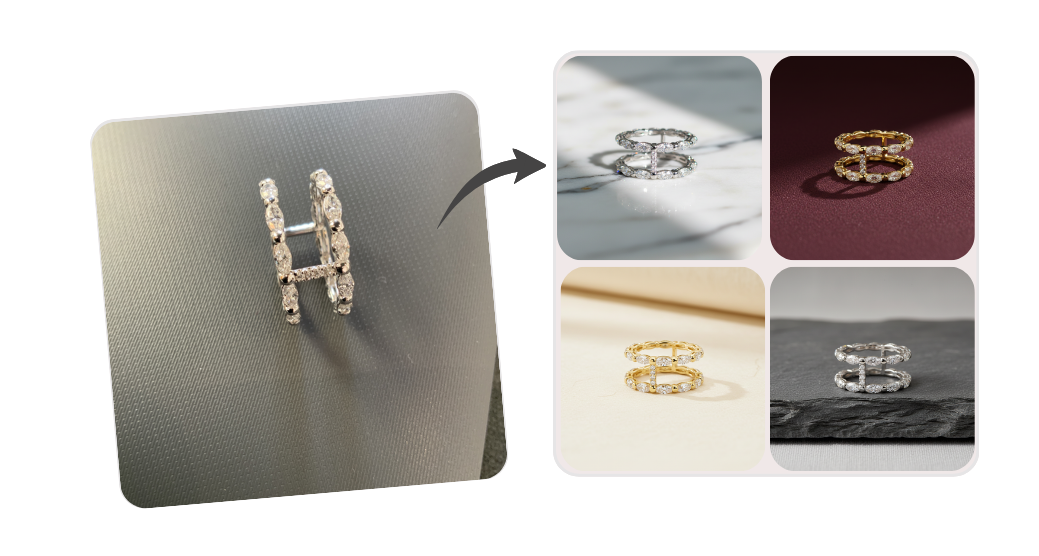
Natural backgrounds
Place your jewelry in beautiful natural settings.
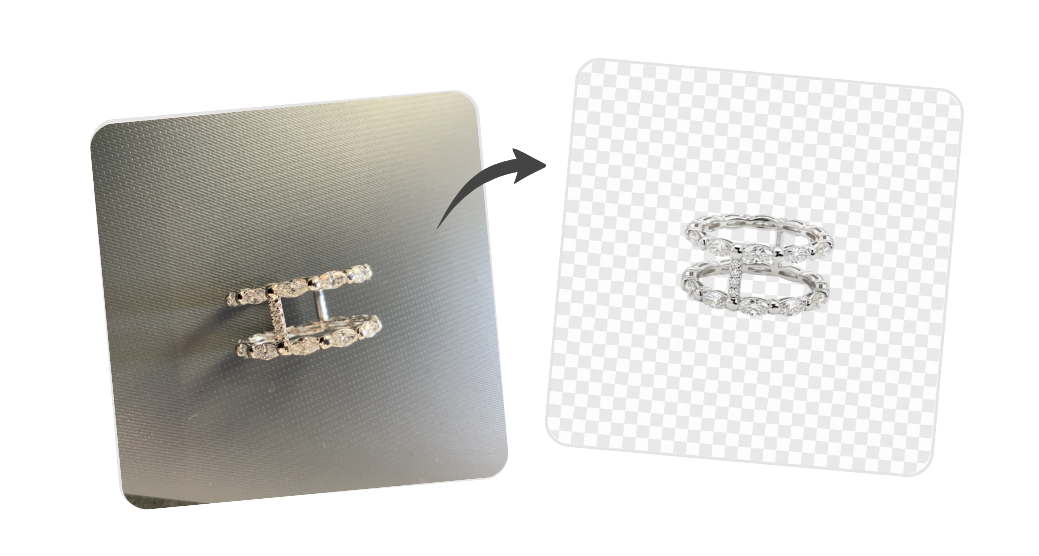
Background removal
Remove or replace the background of an image.
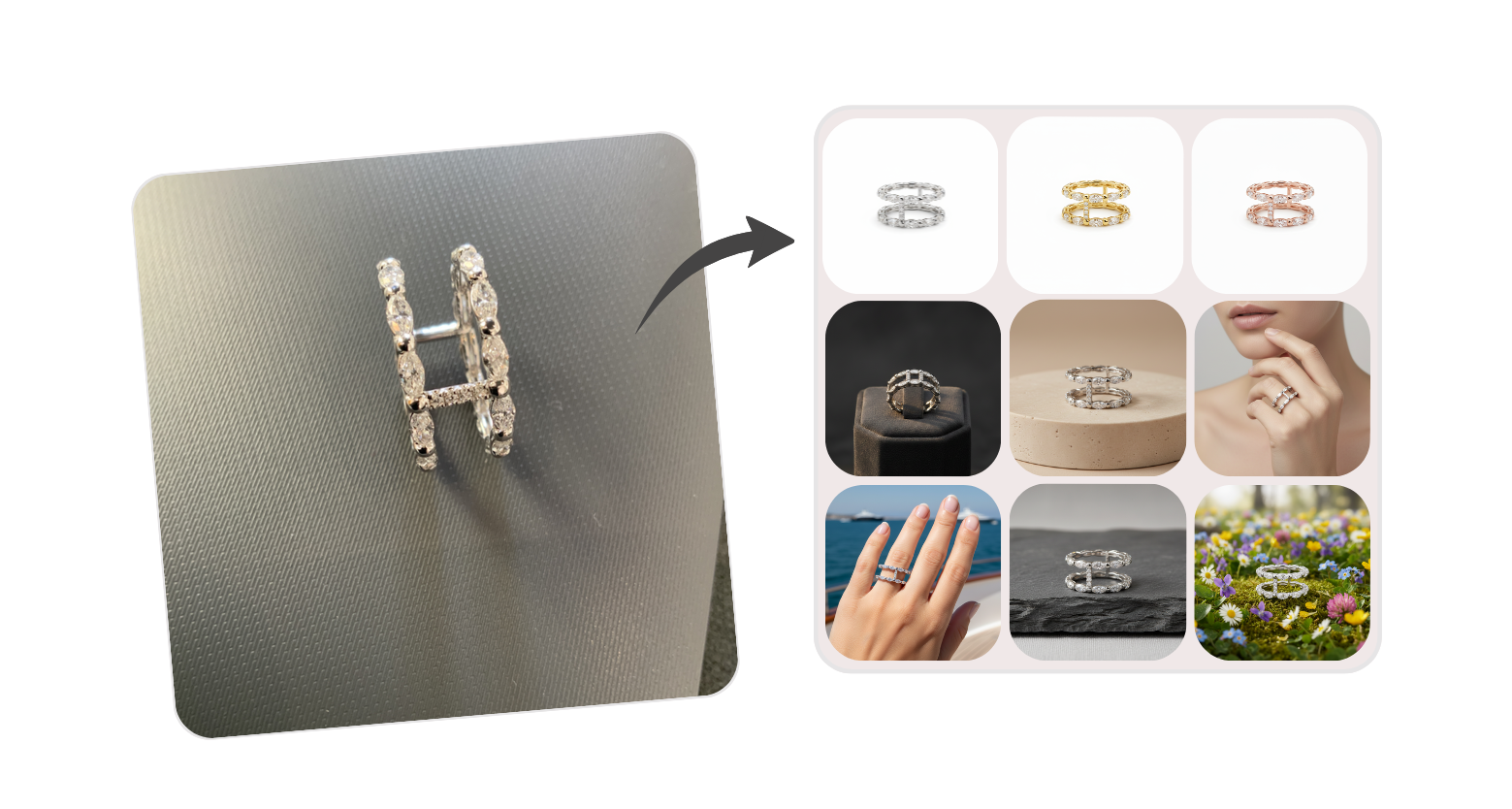
Product page pack
Upload one product photo and generate the full set of shop-ready images in one click: white background, lifestyle scenes, and on-model shots.
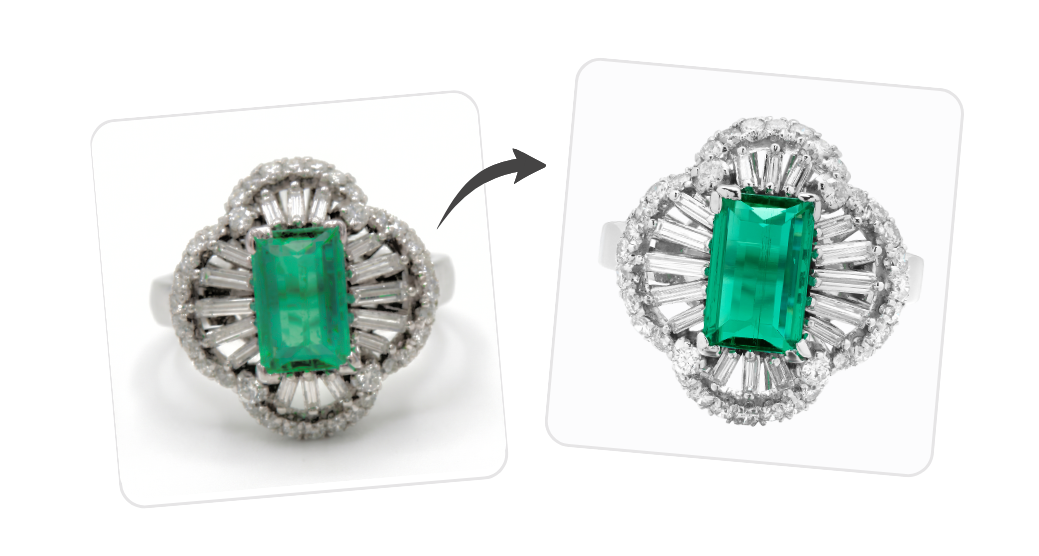
Image enhancement
Upscale and improve the quality of an existing photo.