Create realistic jewelry photos with our AI tools
Make every necklace, earring, or other jewelry item look clear and high-end at scale, while retaining product fidelity.
Open the AI workspace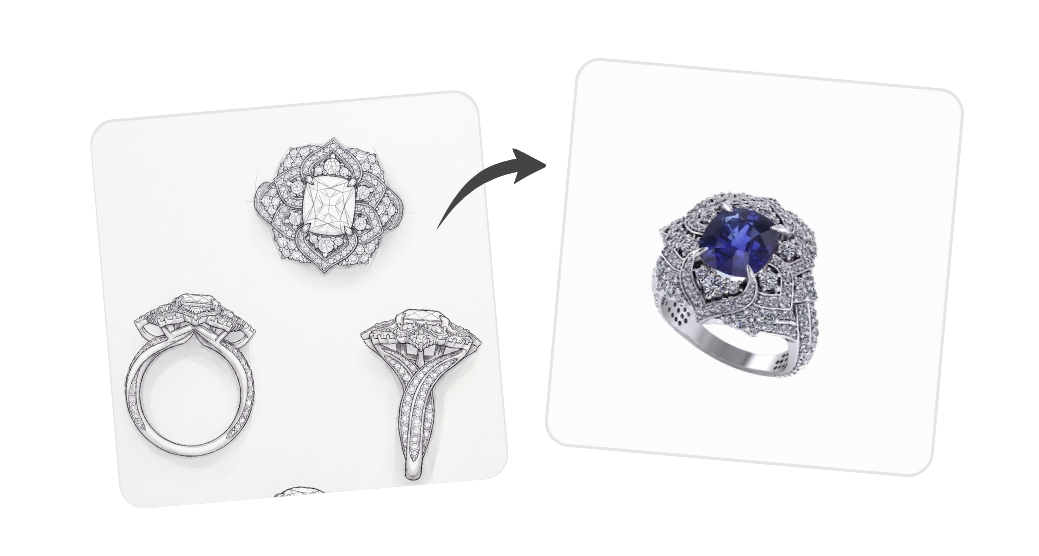
AI jewelry design generator
Turn a hand-drawn sketch or a one-line brief into a finished, hyper-realistic jewelry render.
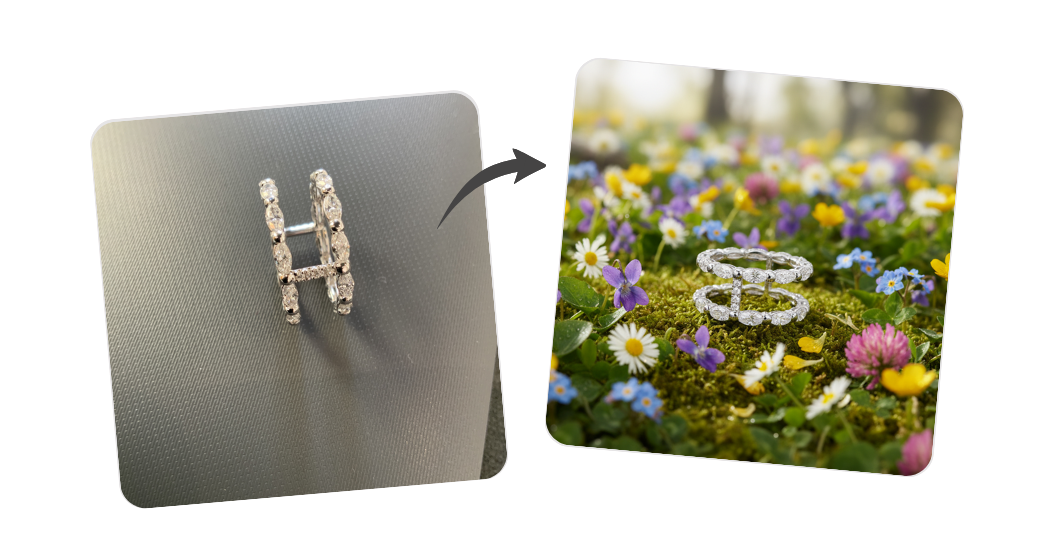
Creative inspiration
Pick a high-end magazine-style mise en scène, describe the jewel or mood, and get an artistic showcase render.
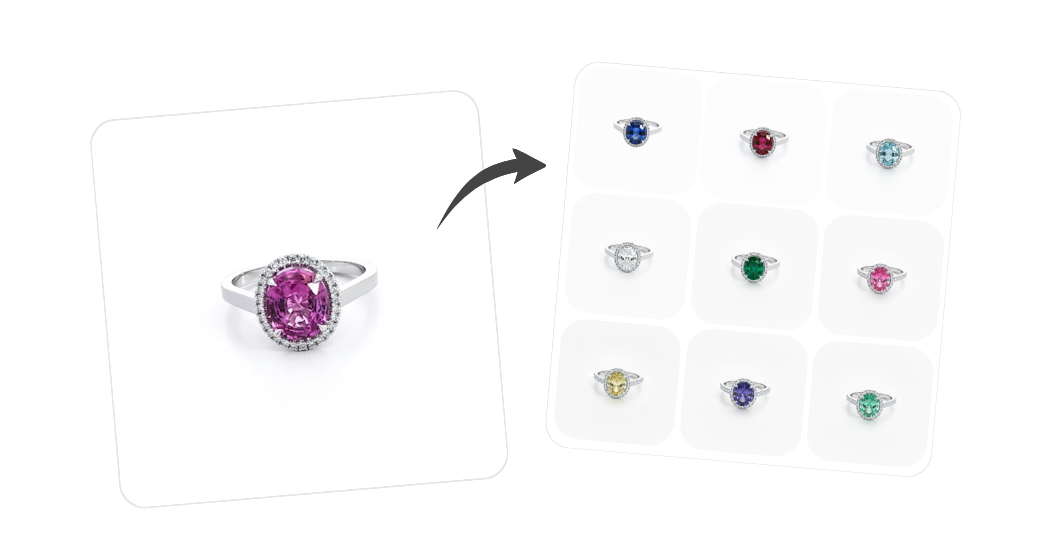
All jewelry variants
Visualize gemstones, metals, and cut or shape options on the same design without producing a physical sample for every combination.
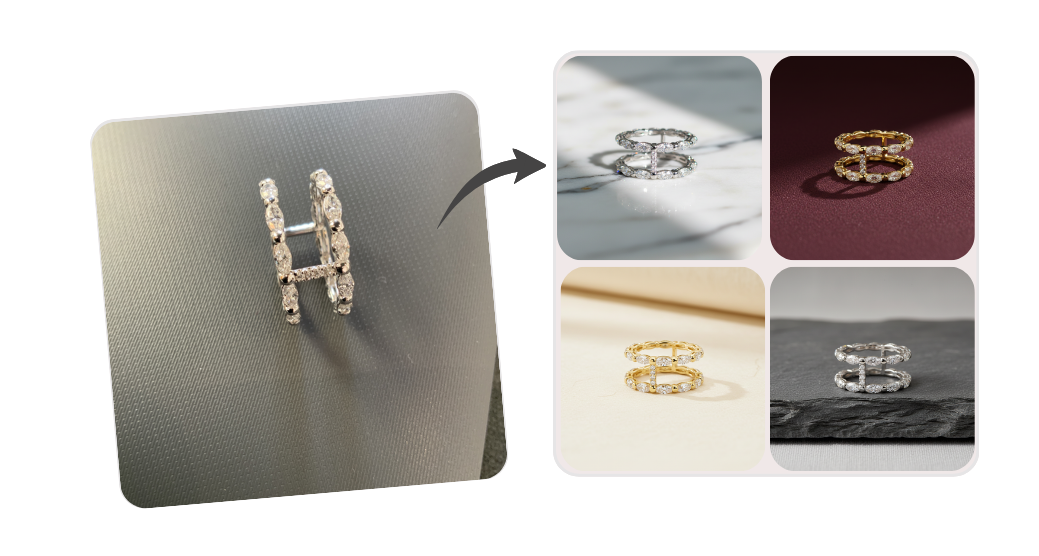
Natural backgrounds
Place your jewelry in beautiful natural settings, without booking a photoshoot.
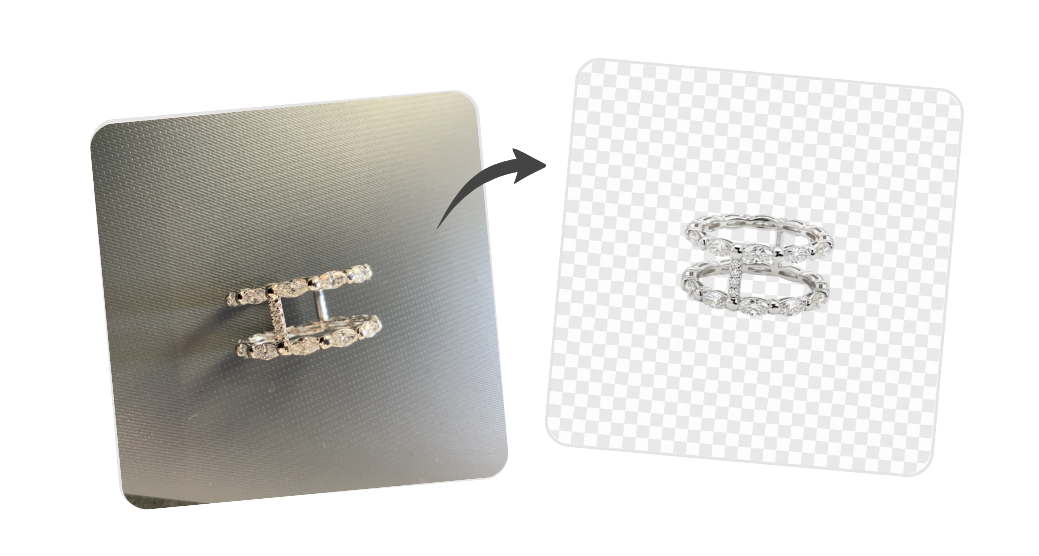
Background removal
Remove or replace the background of a jewelry image in one click.
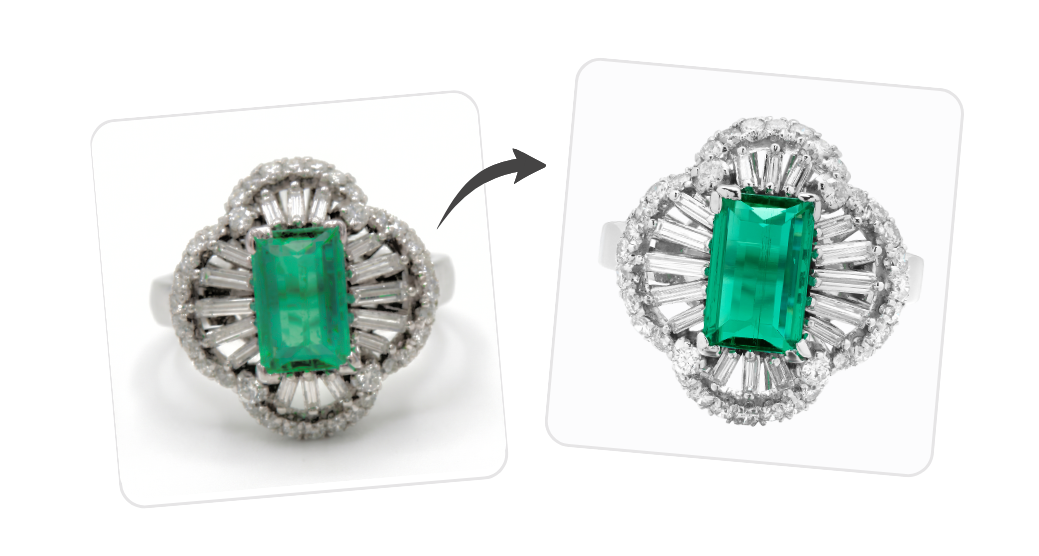
Image enhancement
Upscale and improve the quality of an existing photo, even an old one.
A built-in AI image generator on every product page
In Gem Logic, the AI image generator is not a separate app you switch to. It lives directly on the product page, next to your photos, prices, and stock. You can clean up an image, try jewelry variants, swap a gemstone, or enhance a low-quality shot without ever leaving the product you are working on.
- Edit images in place on the product, no copy-pasting between tools
- Generate variants from the actual product photo, with the same metal, gemstone, and setting
- Push to your website instantly — the new image is live on your jewelry ecommerce store the moment you save it
- One source of truth — your photos, descriptions, prices, and AI edits all live on the same product record
AI jewelry design generator
Creative inspiration
All jewelry variants
Natural backgrounds
How the AI tools fit your workflow
Whether you start from a sketch, a photo, or a written brief, the path from idea to a published product image is short and predictable.
Pick the right tool
Each AI tool is tuned for one job. Choose the one that matches your task and skip the prompt engineering.
Generate and refine
Drop in your sketch, photo, or brief. Tweak the prompt, regenerate, and keep the versions you like.
Use it everywhere
Save the result on the product, push it to your Gem Logic ecommerce website, or share it with your client.
Try the AI tools for jewelers
Open the AI workspace and start with any tool. No setup, no install — just paste a prompt or upload a photo.
Open the AI workspace