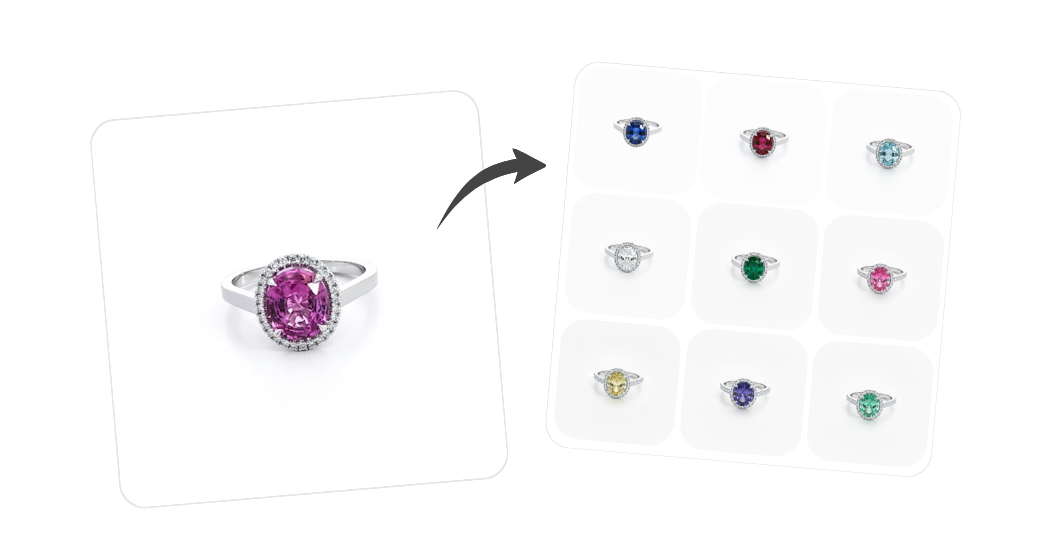
All jewelry variants
Visualize gemstones, metals, and cut or shape options on the same design without producing a physical sample for every combination.
What this tool does
Clients rarely choose from a single render. They want to see yellow versus white gold, an oval versus a round center stone, or a different cut while the setting stays the same. Traditionally that means multiple samples or long retouch chains. This tool keeps one base image and generates the full matrix of looks: gemstone type and color, metal finish, and center stone shape or cut, so everyone aligns on the exact combination before you cast or set a stone.
Best for: Ideal for engagement rings, bridal sets, pendants, and earrings where you sell the same design with different center stones, metals, or stone cuts.
What you can do with it
- Compare gemstones, metal colors, and stone shapes on the same piece side by side
- Help clients pick the combination they love before you order materials or labor
- Reduce sample rounds and reshoots for custom work and made-to-order programs
- Produce consistent variant grids for ecommerce, quotes, and showroom tablets
Use it directly on your product page
Gem Logic ships with a built-in AI image generator that lives directly on the product page. You can edit, generate, and improve images without leaving the product, and push the result to your jewelry ecommerce website instantly.
- Work on the actual product — no more downloading, editing, and re-uploading
- Publish in one click — the new image goes live on your store the moment you save it
- One catalog, one source of truth — every photo, variant, and price stays in sync
Ready to try it?
Open the AI workspace with this tool already selected. No setup, no install — start with a prompt or upload a reference image.
Try it nowOther AI tools you might like
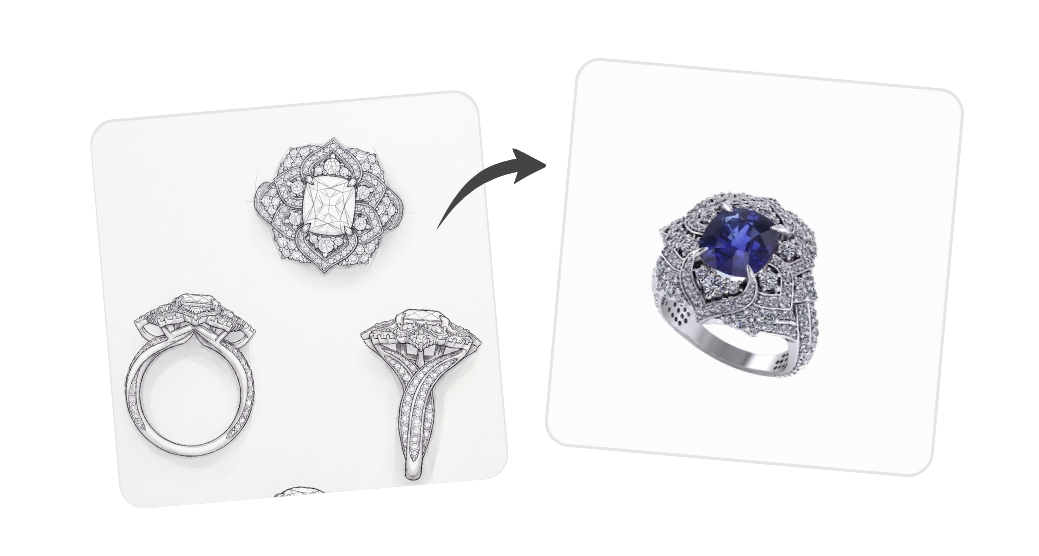
AI jewelry design generator
Turn a hand-drawn sketch or a one-line brief into a finished, hyper-realistic jewelry render.
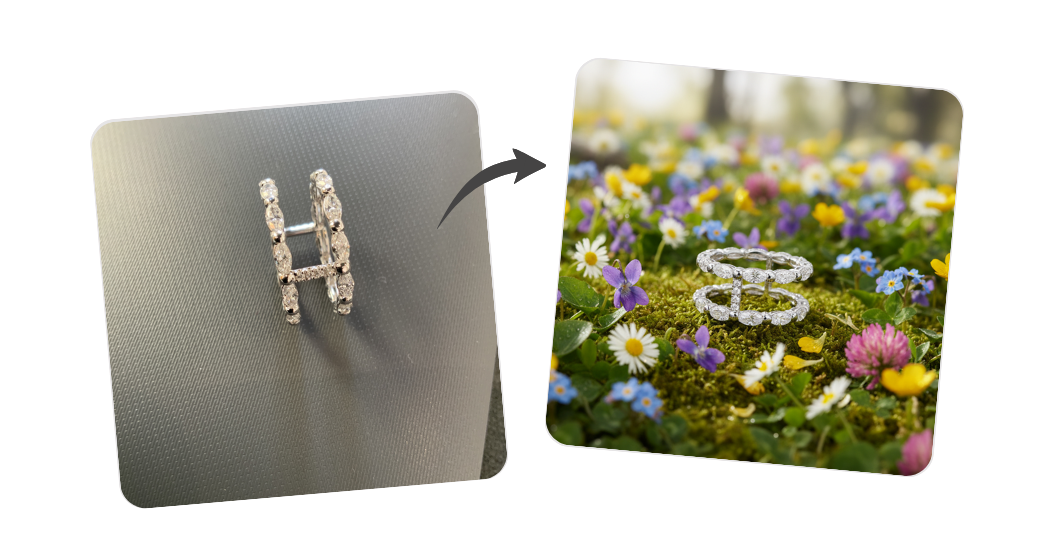
Creative inspiration
Pick a high-end magazine-style mise en scène, describe the jewel or mood, and get an artistic showcase render.
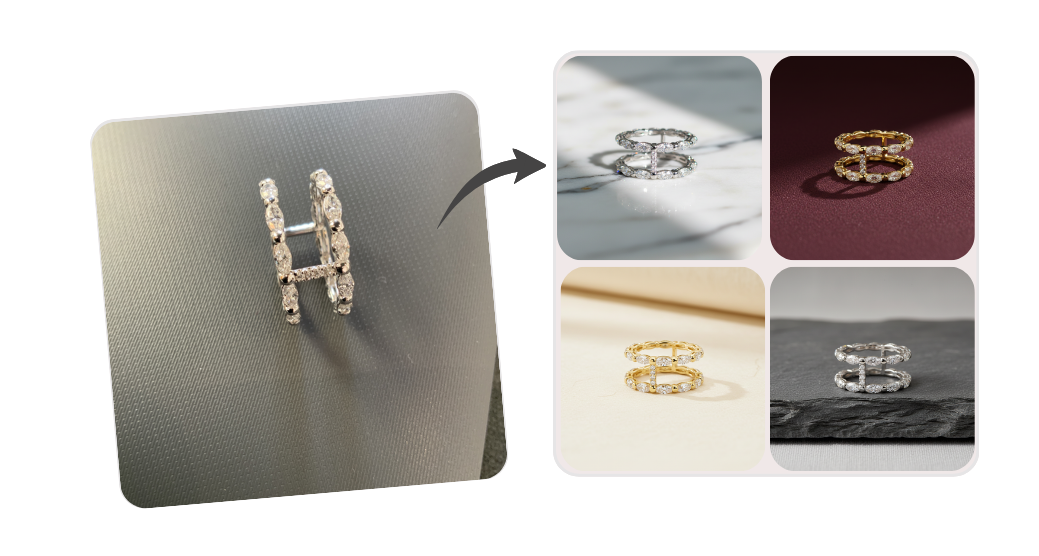
Natural backgrounds
Place your jewelry in beautiful natural settings, without booking a photoshoot.
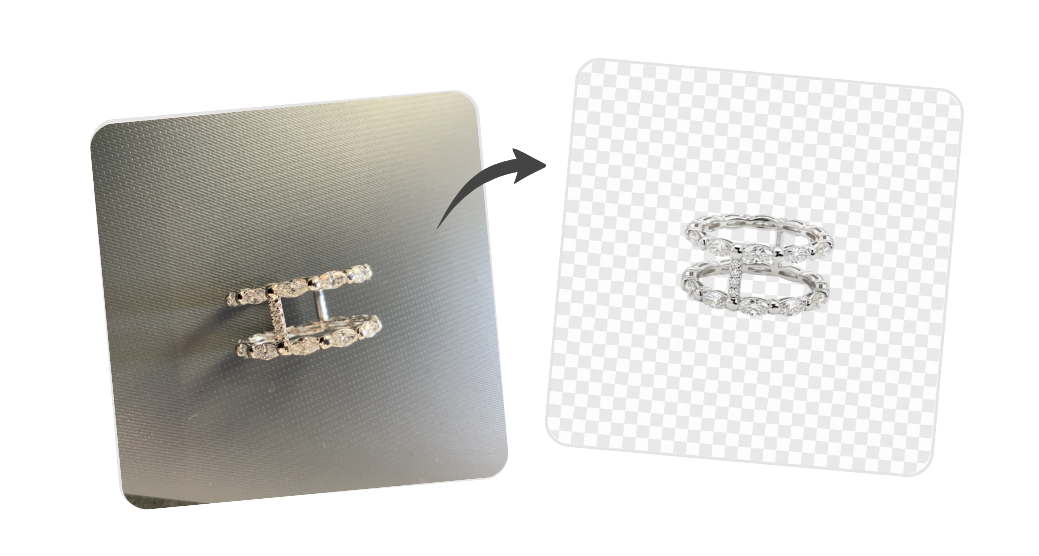
Background removal
Remove or replace the background of a jewelry image in one click.