AI jewelry design generator
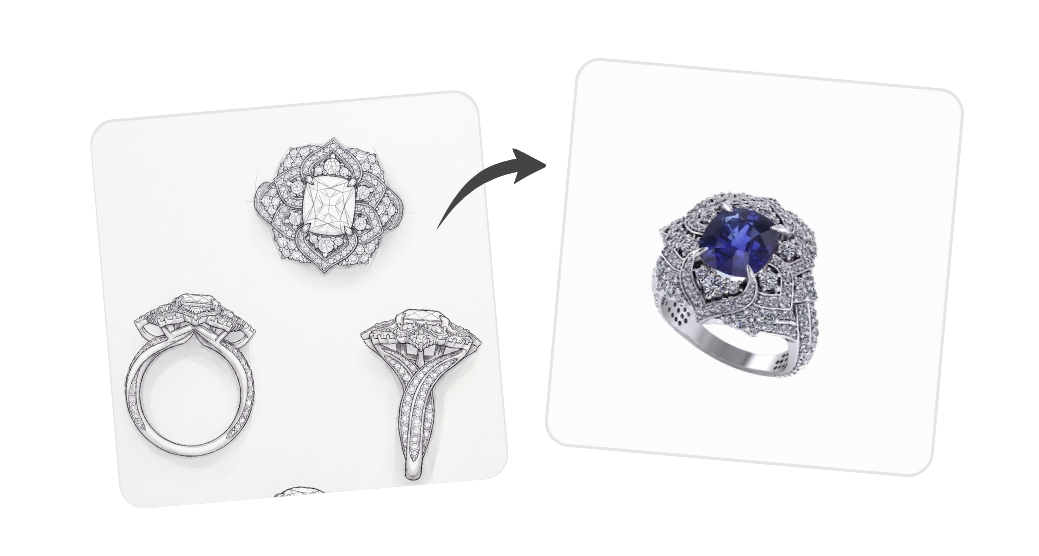
Turn a hand-drawn sketch or a one-line brief into a finished, hyper-realistic jewelry render.
What this tool does
Start from a paper sketch, a rough drawing, or a single sentence. The AI jewelry design generator interprets your idea and produces a clean, photorealistic render you can show to clients, share with your workshop, or use as a starting point for the final piece.
Best for: Perfect for custom commissions, where you want to confirm the look of a piece with your client before quoting and producing it.
What you can do with it
- Upload a sketch, photo of a drawing, or describe the piece in plain words
- Get a polished render on a clean white background, ready for review
- Iterate quickly: tweak the prompt and regenerate until the design feels right
- Use it as a sales tool to align with the client before any metal is cut
Use it directly on your product page
Gem Logic ships with a built-in AI image generator that lives directly on the product page. You can edit, generate, and improve images without leaving the product, and push the result to your jewelry ecommerce website instantly.
- Work on the actual product — no more downloading, editing, and re-uploading
- Publish in one click — the new image goes live on your store the moment you save it
- One catalog, one source of truth — every photo, variant, and price stays in sync
Ready to try it?
Open the AI workspace with this tool already selected. No setup, no install — start with a prompt or upload a reference image.
Try it nowOther AI tools you might like
Creative inspiration
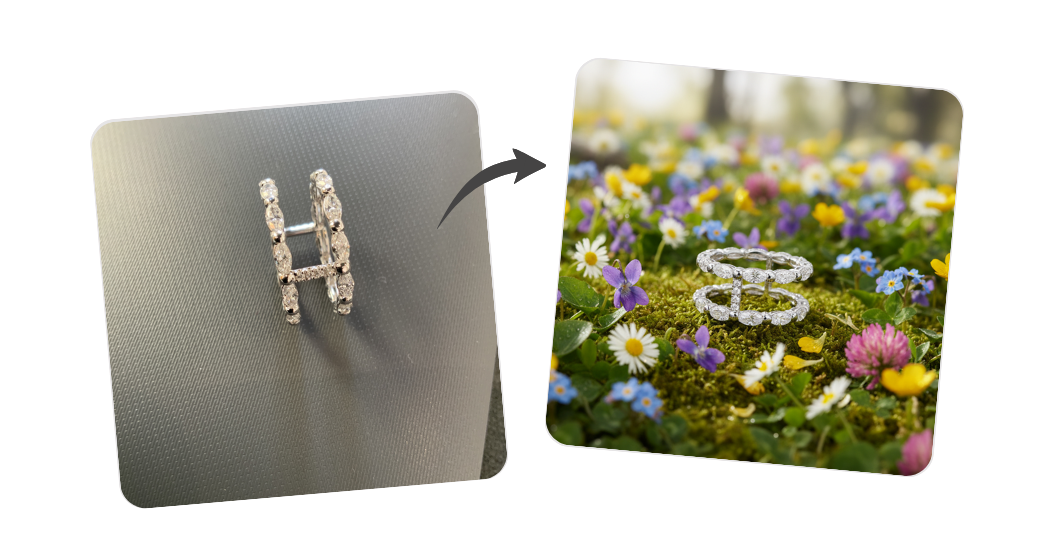
Pick a high-end magazine-style mise en scène, describe the jewel or mood, and get an artistic showcase render.
All jewelry variants
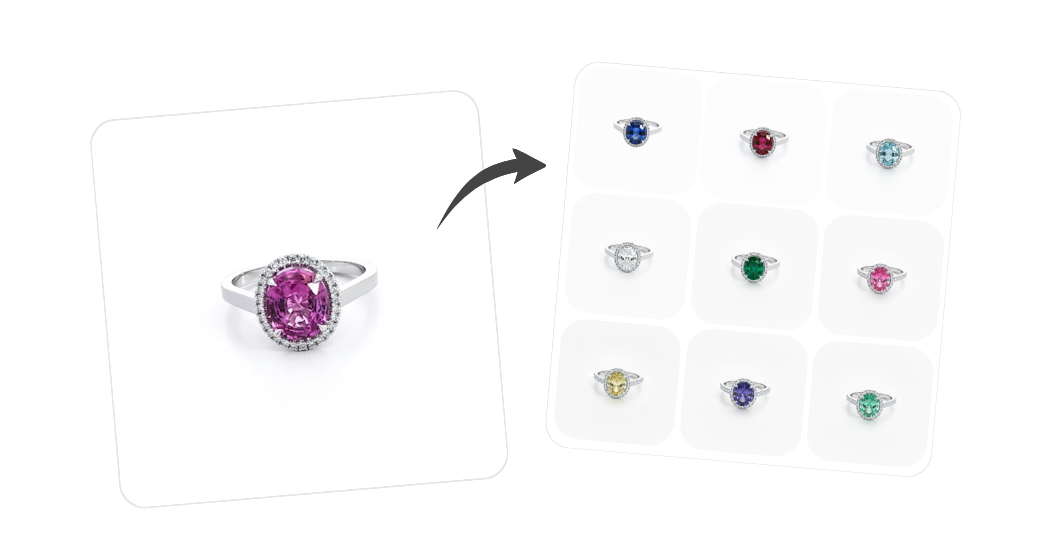
Visualize gemstones, metals, and cut or shape options on the same design without producing a physical sample for every combination.
Natural backgrounds
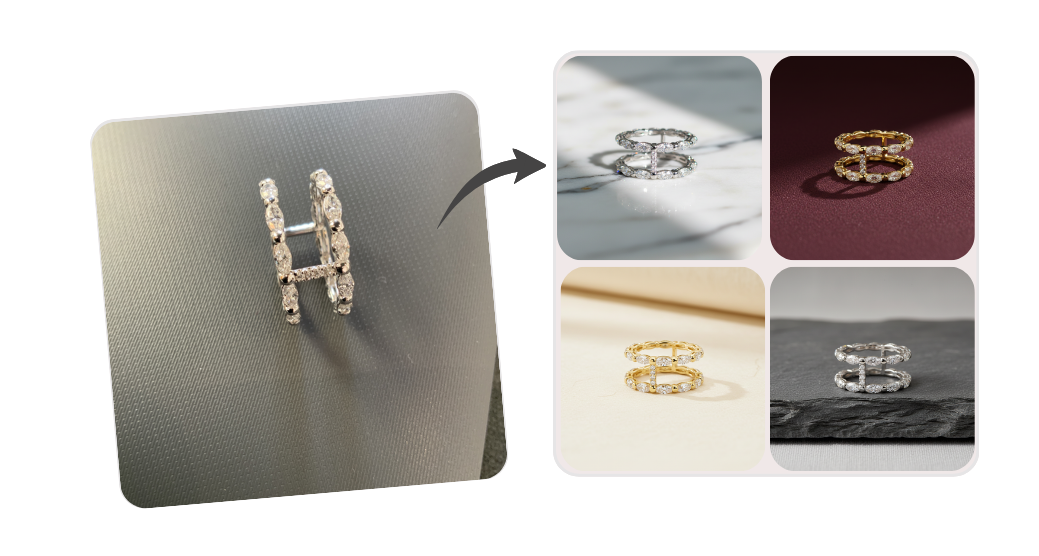
Place your jewelry in beautiful natural settings, without booking a photoshoot.
Background removal
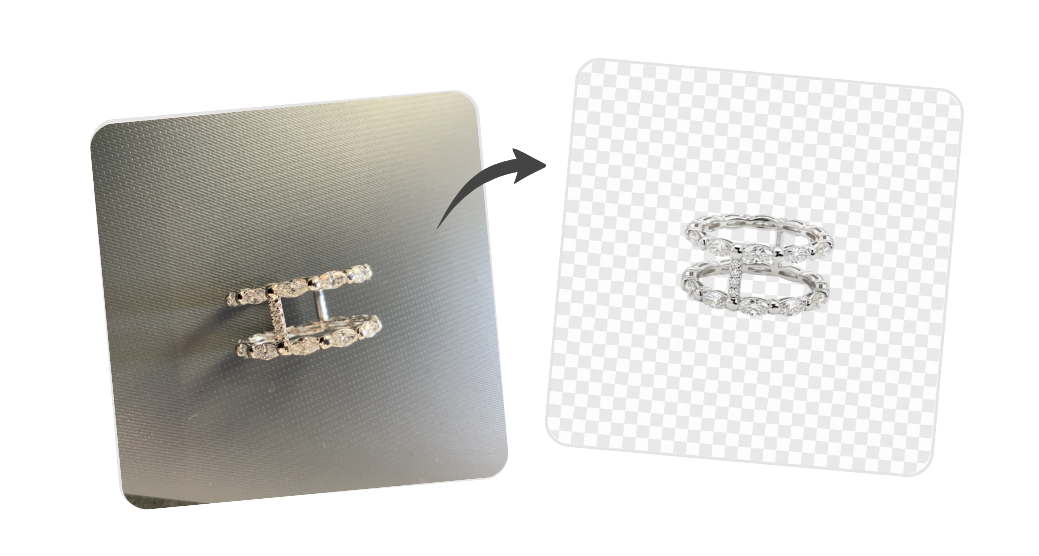
Remove or replace the background of a jewelry image in one click.